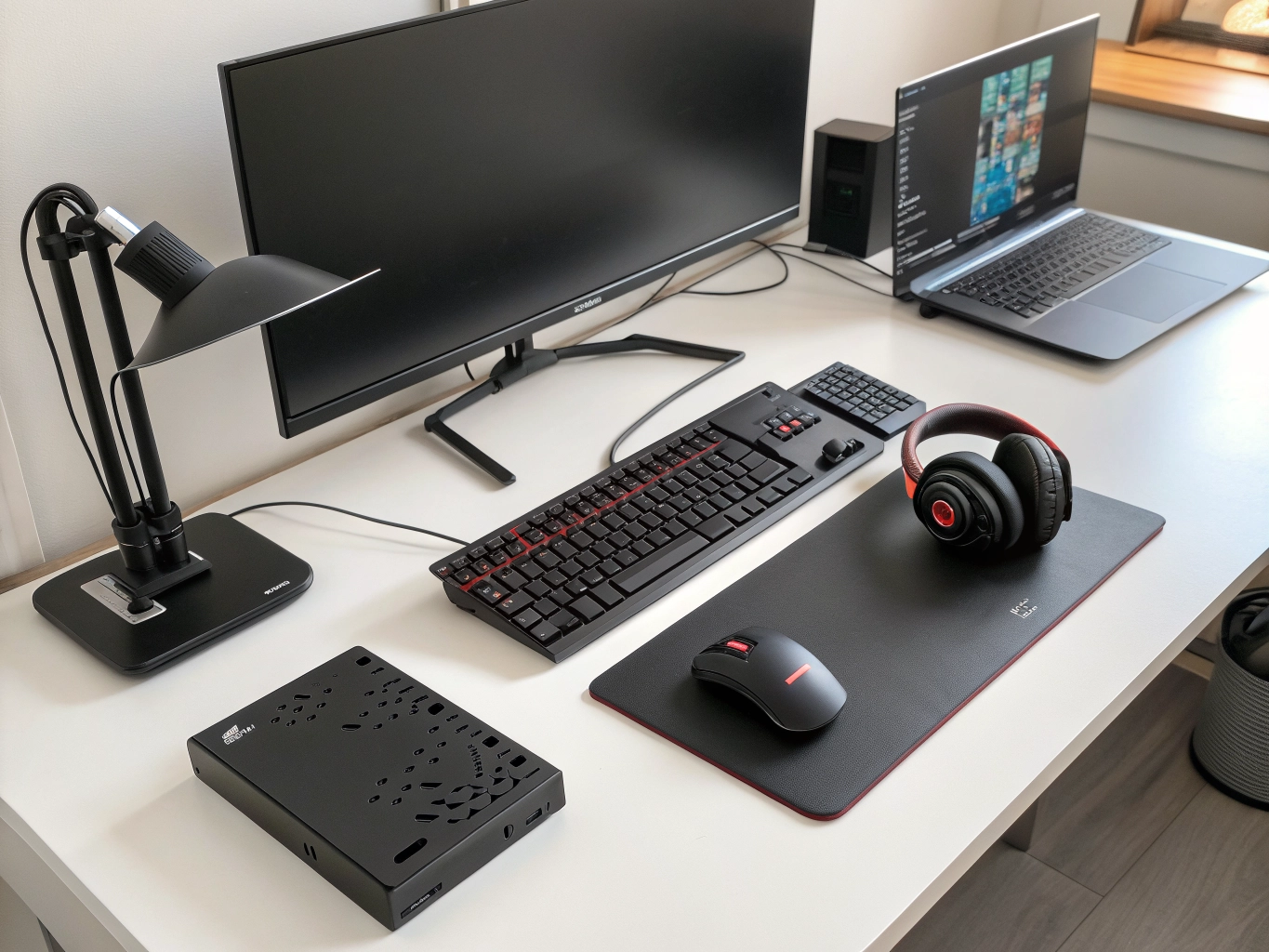
Computer accessories can make a basic computer setup more comfortable, productive, organized, and enjoyable. Whether you use a desktop PC, laptop, gaming computer, or work-from-home setup, the right accessories can improve your everyday computing experience.
From keyboards and mice to laptop stands, cooling pads, USB hubs, webcams, headphones, mouse pads, external storage, monitor accessories, and laptop bags, there are hundreds of computer accessories available online.
Choosing the right products can be difficult because specifications, compatibility, build quality, connectivity, and prices can vary considerably.
This complete guide explains the most useful computer accessories, what to look for before buying, and how to build a practical setup for work, gaming, education, entertainment, and everyday computing.
What Are Computer Accessories?
Computer accessories are additional products used with computers and laptops to improve functionality, comfort, protection, connectivity, productivity, or entertainment.
Popular computer accessories include:
- Computer keyboards
- Computer mice
- Mouse pads
- Laptop stands
- Laptop cooling pads
- USB hubs
- Docking stations
- Webcams
- Headphones
- Speakers
- External SSDs
- External hard drives
- Laptop bags
- Monitor stands
- Cable management products
- Gaming accessories
- Cleaning kits
Some accessories are essential for certain users, while others are optional upgrades.
Why Should You Buy Computer Accessories?
The right accessories can improve your computer setup in several ways.
Improve Productivity
A comfortable keyboard, precise mouse, additional monitor, and laptop stand can make everyday work easier.
Improve Comfort
Ergonomic accessories can help create a more comfortable workstation.
Improve Connectivity
USB hubs and docking stations can provide additional ports for laptops and desktops.
Protect Your Devices
Laptop sleeves, bags, screen protectors, and cleaning accessories can help protect your equipment from everyday wear.
Enhance Gaming
Gaming mice, keyboards, mouse pads, headsets, and controllers can create a more complete gaming setup.
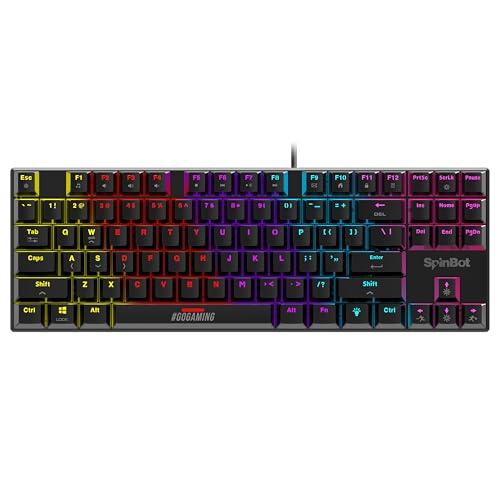
1. Computer Keyboards
A keyboard is one of the most important accessories for desktop and laptop users who regularly type.
Keyboards are available in different designs and technologies.
Mechanical Keyboards
Mechanical keyboards are popular among gamers, programmers, writers, and computer enthusiasts.
They use individual mechanical switches that can provide different typing characteristics depending on the switch type.
Membrane Keyboards
Membrane keyboards are commonly available at affordable prices and can be suitable for everyday typing and office work.
Wireless Keyboards
Wireless keyboards can reduce cable clutter and are useful for clean desk setups.
Ergonomic Keyboards
Ergonomic keyboards are designed around alternative layouts or shapes intended to provide a more comfortable typing position.
Keyboard Buying Tips
Consider:
- Switch type
- Key layout
- Number pad
- Backlighting
- Wireless connectivity
- Battery life
- Build quality
- Media controls
- Compatibility
- Software support


2. Computer Mouse
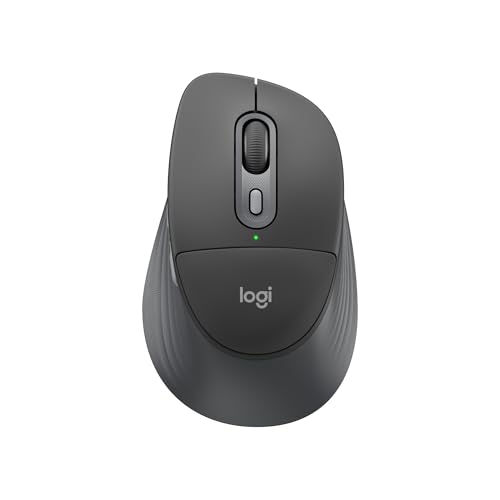
A computer mouse provides precise pointer control and is essential for many computer tasks.
A standard mouse can be enough for basic browsing and office work, while specialized models can provide additional functionality.
Wireless Mouse
Wireless mice help create a cleaner workspace and can be convenient for laptop users.
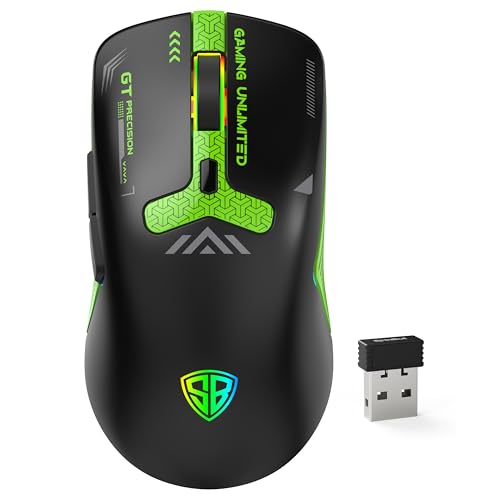
Gaming Mouse
Gaming mice can feature high-precision sensors, adjustable DPI, programmable buttons, RGB lighting, and specialized designs.
Ergonomic Mouse
An ergonomic mouse may offer a different hand position and can be worth considering for users who spend long hours at a computer.
Mouse Features to Check
- DPI
- Sensor type
- Button count
- Programmable buttons
- Weight
- Shape
- Grip
- Battery life
- Connectivity
- Software support

3. Laptop Stands
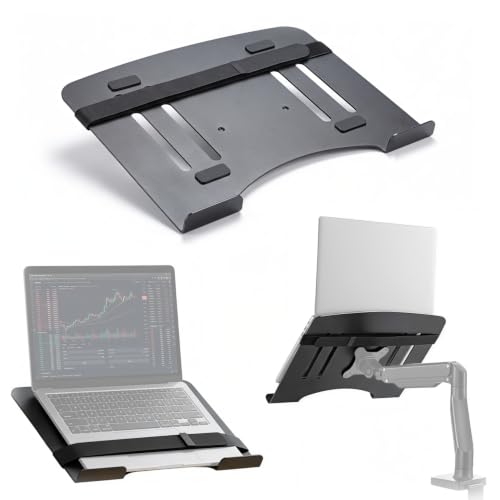
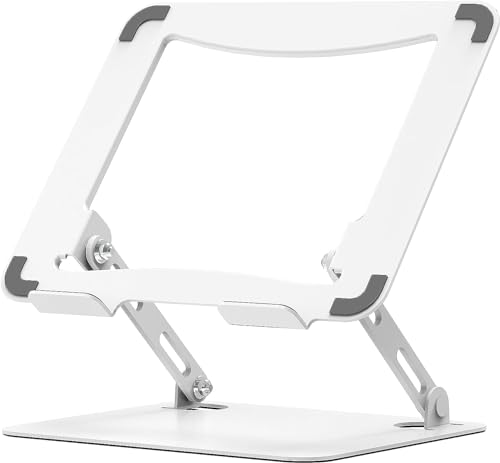
Laptop stands can raise the screen to a more comfortable viewing position and can help organize a workstation.
They are available in:
- Adjustable designs
- Foldable designs
- Aluminum stands
- Plastic stands
- Portable stands
- Cooling stands
A laptop stand can be particularly useful when connecting a laptop to an external keyboard and mouse.
Benefits of a Laptop Stand
- Raises screen height
- Helps improve desk organization
- Creates additional space underneath
- Portable options are easy to carry
- Can improve airflow around some laptop designs

4. Laptop Cooling Pads
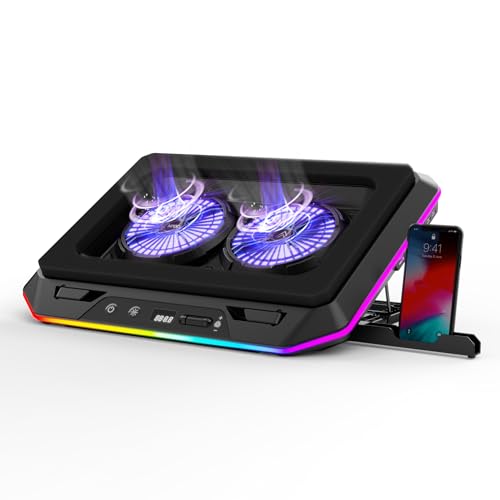
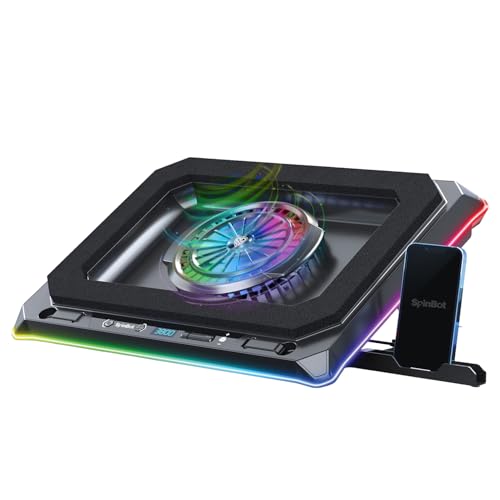
Laptop cooling pads are designed to provide additional airflow underneath compatible laptops.
They commonly include one or more fans and may offer adjustable fan speeds or height positions.
Cooling accessories can be useful for users who perform demanding tasks such as:
- Gaming
- Video editing
- 3D applications
- Long work sessions
- Heavy multitasking
However, cooling performance varies between laptops and cooling pad designs, so specifications and reviews should be considered.
Cooling Pad Features
Look for:
- Fan count
- Fan speed
- Noise level
- USB connectivity
- Adjustable height
- Laptop size compatibility
- RGB lighting if desired
- Additional USB ports

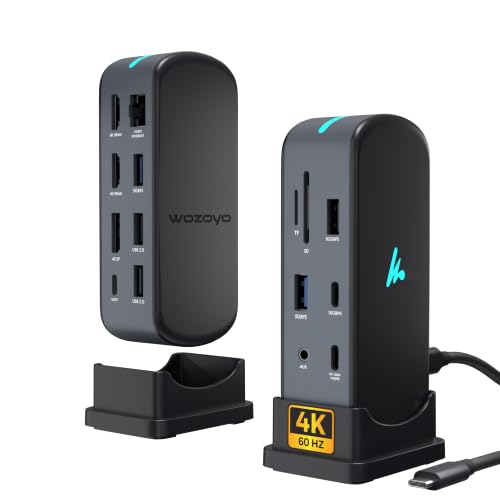
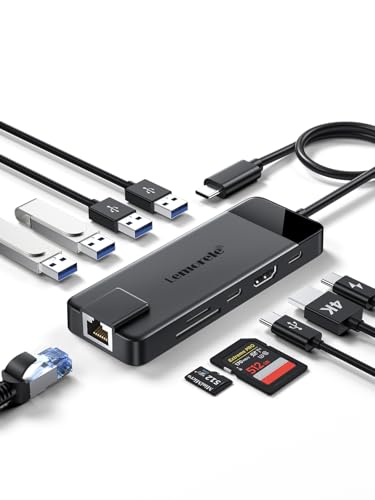
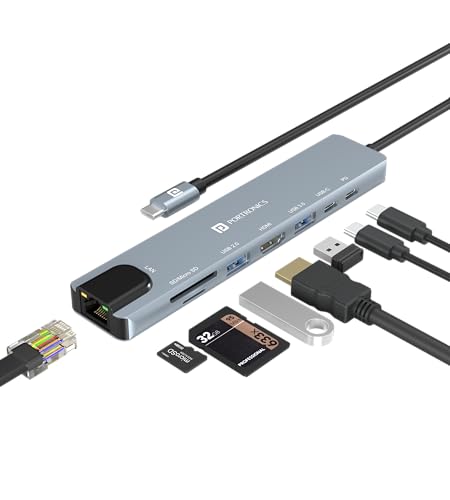
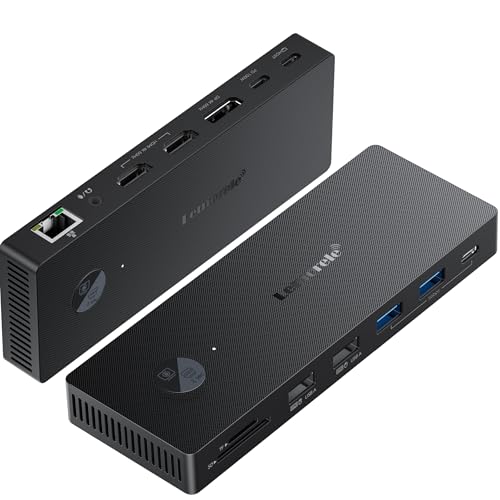
5. USB Hubs and Docking Stations
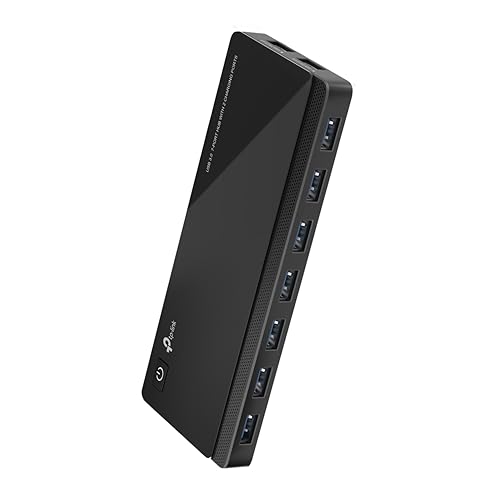
Modern laptops often have fewer physical ports than traditional desktop computers. A USB hub can expand the number of available connections.
Depending on the model, a USB hub may provide:
- USB-A
- USB-C
- HDMI
- Ethernet
- SD card reader
- MicroSD card reader
- 3.5mm audio
- Power delivery
A docking station can provide even more connectivity for a laptop workstation.
USB Hub Buying Guide
Check:
- Number of ports
- USB standards
- Data transfer speeds
- Power delivery
- Display output
- Ethernet
- Compatibility
- Size and portability


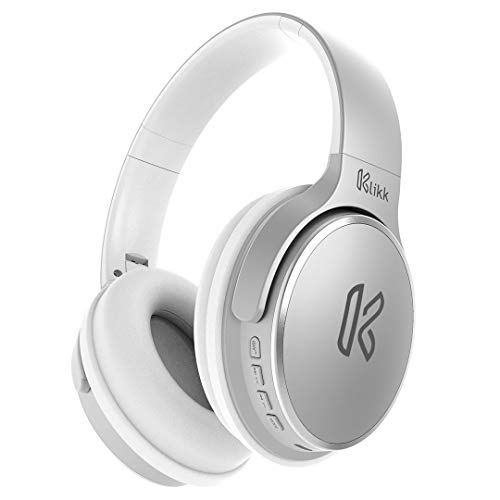
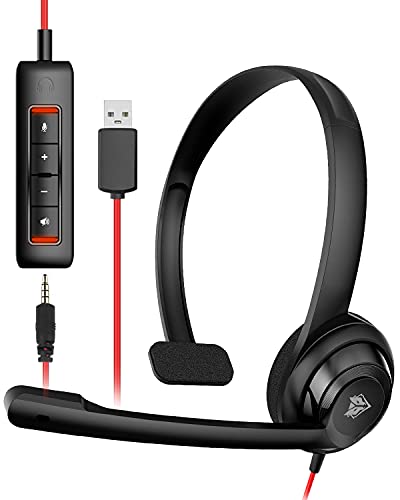
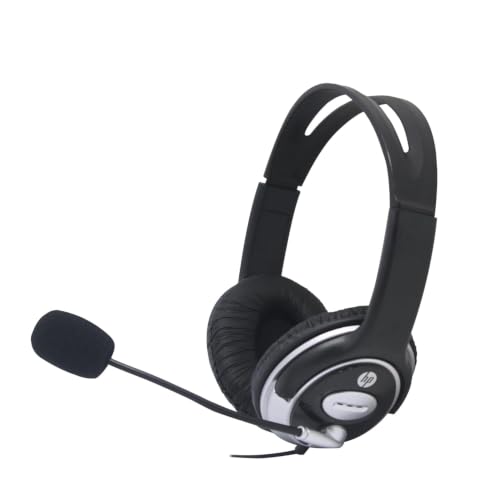
6. Computer Headphones and Headsets
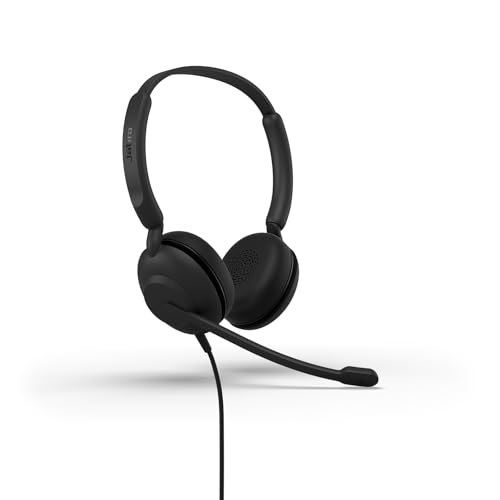
Headphones are useful for music, movies, gaming, online classes, video meetings, and general computer use.
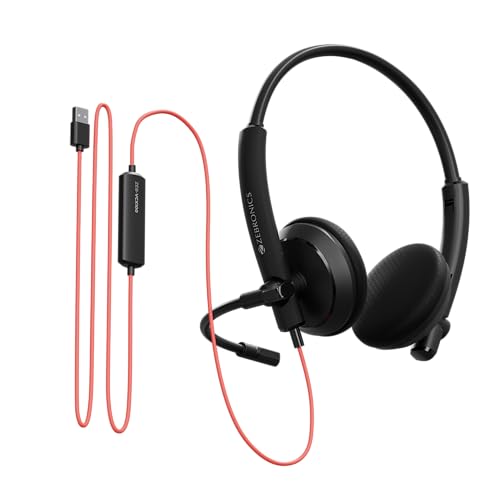
A headset includes a microphone and can be especially convenient for communication.
Wired Headphones
Wired headphones don’t require battery charging and can provide a straightforward connection.
Wireless Headphones
Wireless models provide greater freedom of movement and can help reduce cable clutter.
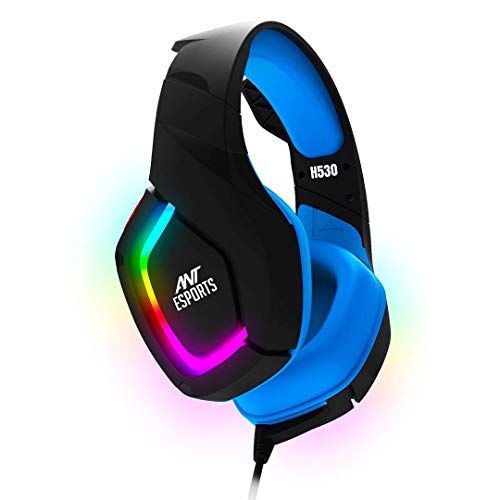
Gaming Headsets
Gaming headsets may include features such as:
- Boom microphone
- Spatial audio support
- Large drivers
- Gaming software
- Wireless connectivity
- Volume controls
What to Check
- Audio quality
- Comfort
- Microphone quality
- Battery life
- Noise cancellation
- Connection type
- Weight
- Compatibility

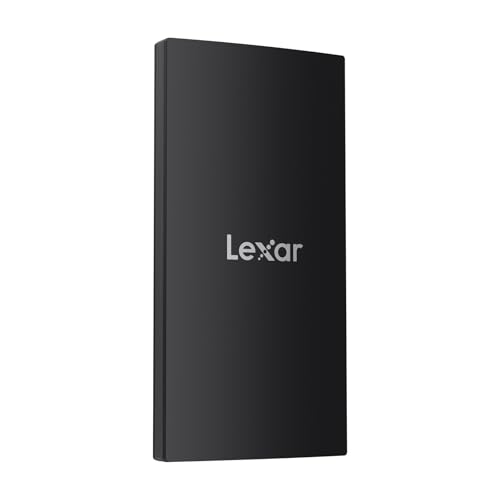
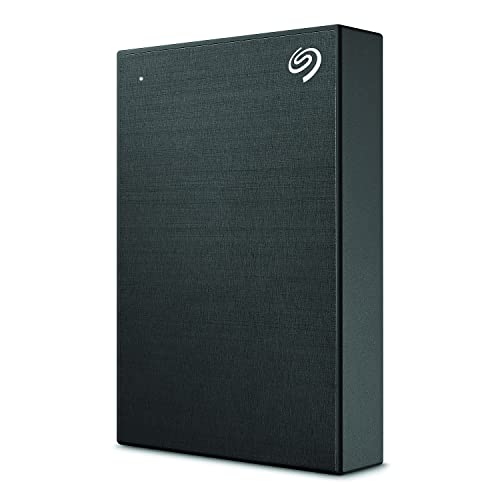
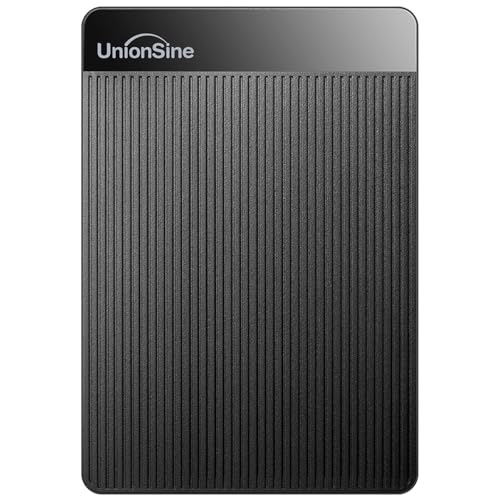
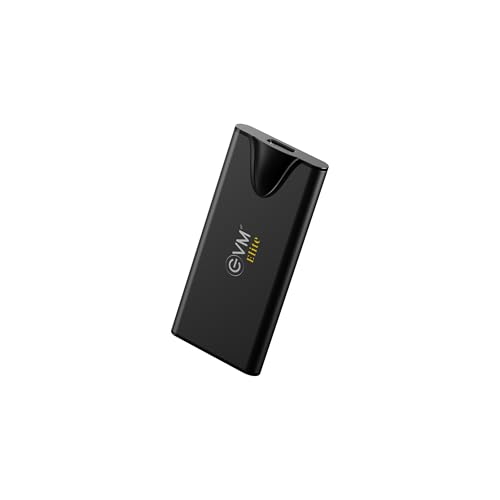
7. External SSD and Hard Drives
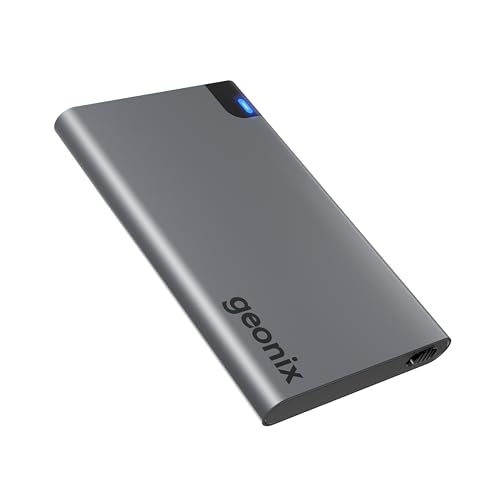
External storage is a useful computer accessory for users who need additional space or backup options.
External SSD
External SSDs are popular because they can provide fast file transfers and compact designs.
They can be useful for:
- Video files
- Photos
- Documents
- Backups
- Games
- Creative projects
External HDD
External hard drives can provide large storage capacities and may be useful for storing large media collections and backups.
Storage Buying Tips
Consider:
- Capacity
- Read/write speed
- USB interface
- Portability
- Durability
- Warranty
- Security features



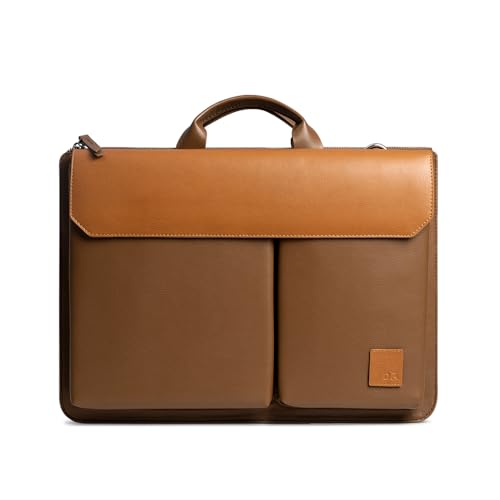
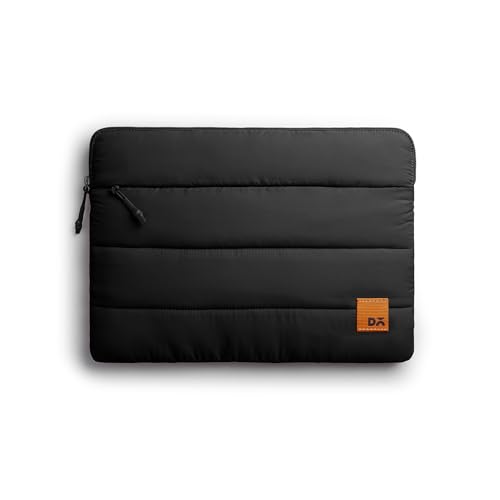
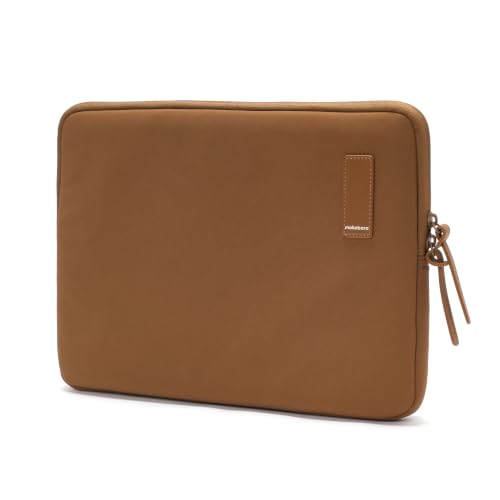
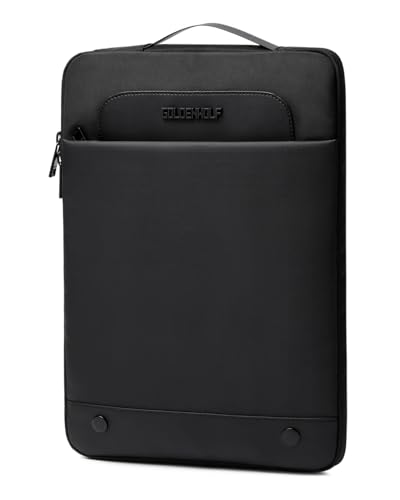
8. Laptop Bags and Sleeves
Laptop bags and sleeves are practical accessories for people who carry their computers regularly.
A good laptop bag can provide compartments for:
- Laptop
- Charger
- Mouse
- Keyboard
- Documents
- USB accessories
- Smartphone
- Power bank
Laptop sleeves are often lighter and more compact, while backpacks can provide additional storage and hands-free carrying.
Laptop Bag Features
Look for:
- Correct laptop size
- Padded compartment
- Water-resistant material
- Strong zippers
- Comfortable handles
- Shoulder straps
- Additional pockets
- Lightweight design

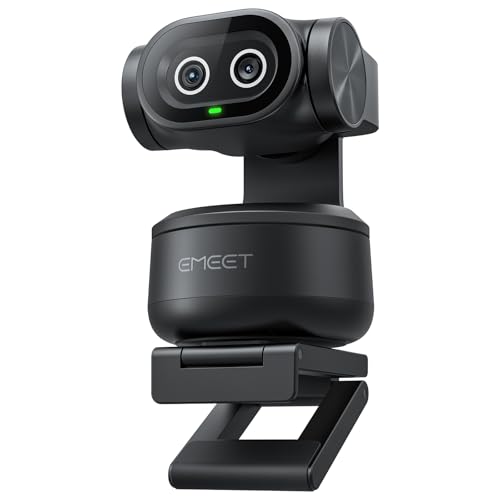
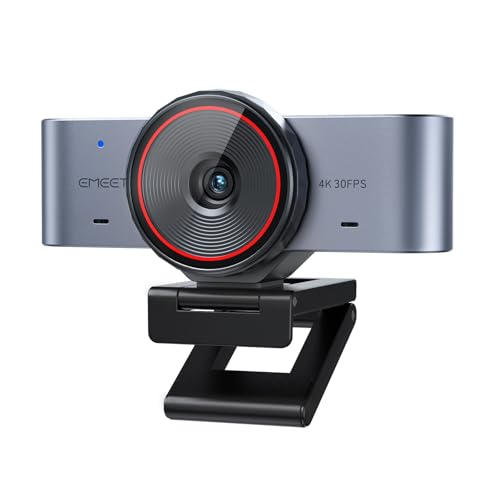
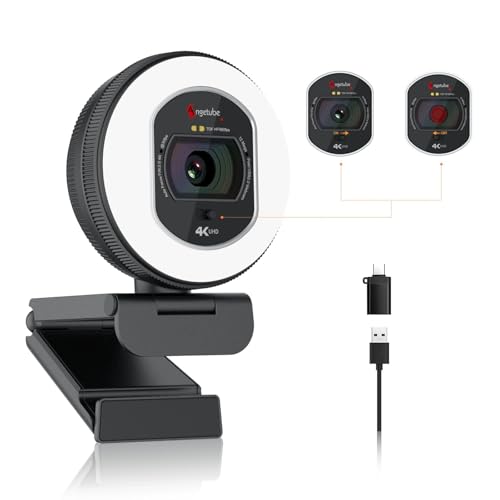
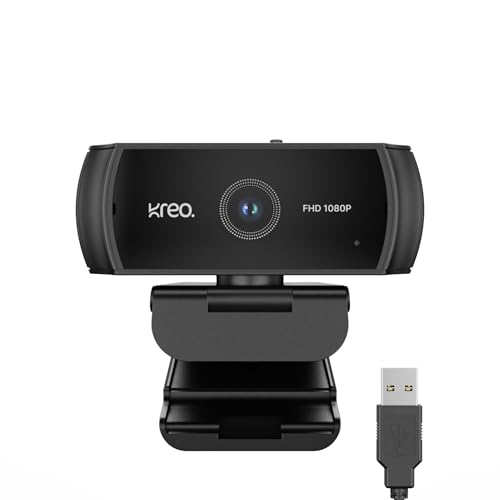
9. Webcams
External webcams are useful for video conferencing, online classes, interviews, streaming, and content creation.
While many laptops include built-in webcams, external webcams can provide more flexibility in positioning.
Webcam Features to Consider
- Resolution
- Frame rate
- Autofocus
- Low-light performance
- Built-in microphone
- Privacy shutter
- USB connectivity
- Mounting options
For everyday video meetings, a Full HD webcam can be a practical option.



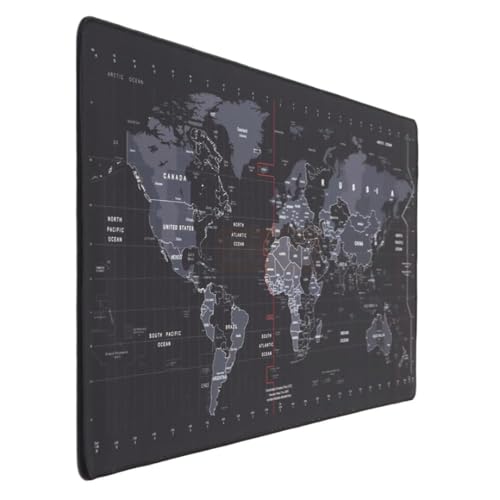
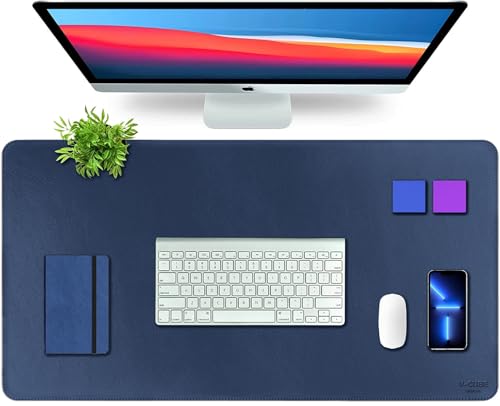
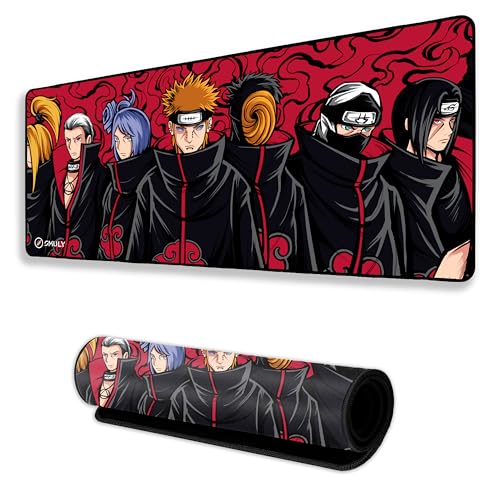
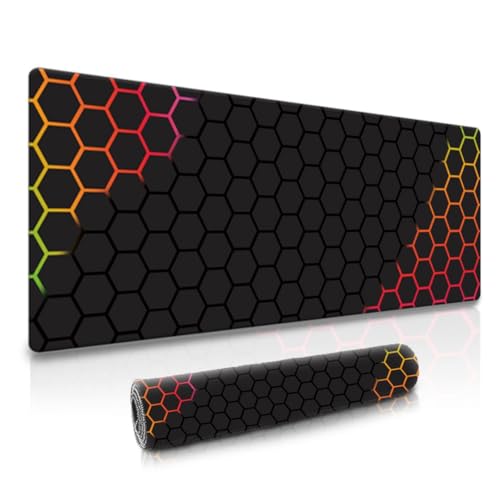
10. Mouse Pads and Desk Accessories
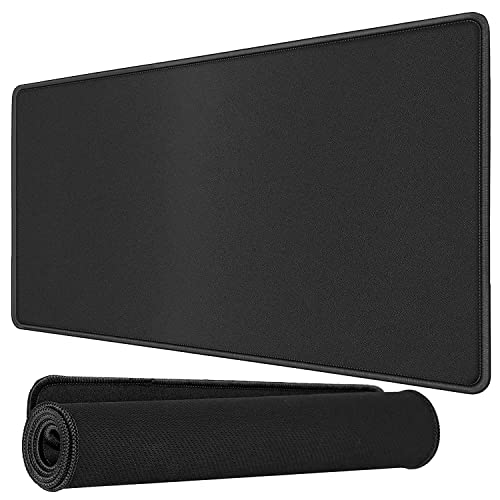
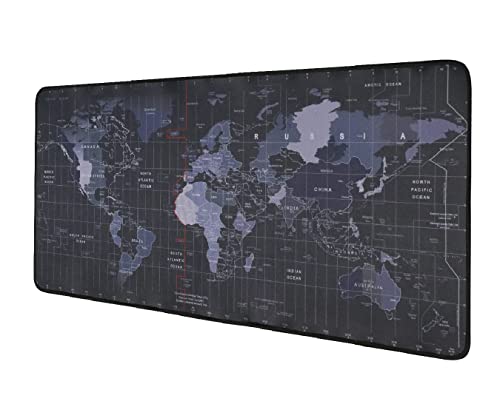
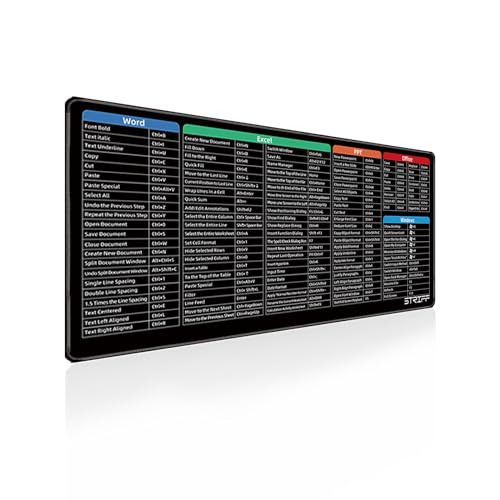
A mouse pad provides a consistent surface for mouse movement and can improve the overall feel of a computer desk.
Mouse pads are available in:
- Small sizes
- Large sizes
- Extended desk mats
- Gaming mouse pads
- Hard surfaces
- Soft fabric surfaces
Large desk mats can provide space for both the keyboard and mouse.
Other useful desk accessories include:
- Cable organizers
- Monitor stands
- Headphone holders
- Desk mats
- USB lights
- Controller stands
- Laptop risers



Computer Accessories for Home Office
A home office setup doesn’t have to be complicated.
Useful accessories can include:
- Wireless keyboard
- Wireless mouse
- Laptop stand
- External monitor
- Webcam
- Headset
- USB hub
- External storage
- Laptop bag
Choose accessories based on your daily workload and available desk space.
Computer Accessories for Students
Students can benefit from affordable and portable accessories.
Useful options include:
- Wireless mouse
- Compact keyboard
- Laptop stand
- Laptop sleeve
- Headphones
- USB flash drive
- External SSD
- Webcam
Students who attend online classes may especially benefit from a good webcam and headset.
Computer Accessories for Gaming
Gaming accessories can improve convenience and control.
Popular gaming accessories include:
- Mechanical gaming keyboard
- Gaming mouse
- Large mouse pad
- Gaming headset
- Gaming monitor
- Controller
- Laptop cooling pad
- RGB desk accessories
Gamers should focus on compatibility and performance rather than simply choosing products with the largest number of features.
Computer Accessories for Work From Home
A productive work-from-home setup can include:
- Laptop or desktop
- External monitor
- Keyboard
- Mouse
- Laptop stand
- Webcam
- Headset
- USB hub
- External storage
A well-organized desk can make it easier to switch between work tasks throughout the day.
Wired vs Wireless Computer Accessories
Both wired and wireless accessories have advantages.
Wired Accessories
Advantages:
- No battery charging
- Reliable connection
- Simple setup
- Often lower latency
- Suitable for permanent workstations
Wireless Accessories
Advantages:
- Reduced cable clutter
- Easy portability
- Flexible placement
- Cleaner-looking desk
Choose according to your workspace and usage requirements.
Bluetooth vs USB Wireless Accessories
Bluetooth accessories can connect directly to compatible devices without requiring a dedicated USB receiver.
USB wireless accessories often use a dedicated receiver and can be popular for keyboards, mice, and gaming devices.
Before buying, check whether your computer supports the required connection method.
Computer Accessory Compatibility
Always check compatibility before purchasing.
Consider:
- Windows
- macOS
- Linux
- ChromeOS
- Android
- iOS/iPadOS
- Gaming consoles
Some accessories may require specific drivers or software for advanced features.
How to Choose the Right Computer Accessories
Identify Your Main Purpose
First determine whether the accessory is for:
- Work
- Gaming
- Education
- Entertainment
- Travel
- Content creation
- General computing
Check Compatibility
Make sure the accessory supports your device and operating system.
Compare Features
Focus on features that you will actually use.
Consider Build Quality
For frequently used accessories, durable construction can be important.
Read Customer Reviews
Look at multiple reviews and focus on common comments about:
- Performance
- Comfort
- Durability
- Compatibility
- Battery life
- Build quality
Check Warranty
Review the warranty and support information before purchasing.
How to Build a Minimal Computer Setup
If you want a simple setup, start with the essentials:
- Computer
- Keyboard
- Mouse
- Mouse pad
- Laptop stand if needed
- Headphones
Then add accessories according to your requirements.
How to Build a Professional Workstation
A professional workstation may include:
- Large monitor
- Ergonomic keyboard
- Ergonomic mouse
- Laptop stand
- USB-C docking station
- Webcam
- Headset
- External SSD
- Cable management accessories
The goal should be a setup that provides the connectivity and comfort required for your workload.
How to Find the Best Computer Accessories Online
When shopping online, compare several products before making a purchase.
Check:
- Product specifications
- Customer ratings
- Customer reviews
- Warranty
- Return policy
- Compatibility
- Current price
- Available discounts
- Included accessories
- Replacement parts
Seasonal sales and promotional events can sometimes provide discounts on computer accessories.
Computer Accessories Maintenance Tips
Proper maintenance can help extend the life of your accessories.
Keyboard
Clean dust and debris regularly and keep liquids away from the keyboard.
Mouse
Clean the sensor and surface regularly.
Mouse Pad
Clean the surface according to its material and manufacturer’s recommendations.
Headphones
Keep ear cushions clean and store headphones safely.
Laptop Stand
Check hinges and adjustment points periodically.
USB Hub
Avoid exceeding its supported power and connectivity limits.
External Storage
Protect portable drives from drops and physical damage.
Webcam
Keep the lens clean using appropriate materials.
Computer Accessories Comparison
| Accessory | Main Purpose | Important Features |
|---|---|---|
| Keyboard | Typing | Switches, layout, connectivity |
| Mouse | Navigation | DPI, sensor, shape |
| Laptop Stand | Ergonomics | Height, adjustability |
| Cooling Pad | Laptop airflow | Fans, noise, size |
| USB Hub | Connectivity | Ports, speed, power |
| Headphones | Audio | Sound, comfort, microphone |
| External SSD | Storage | Capacity, speed, interface |
| Laptop Bag | Protection | Padding, size, compartments |
| Webcam | Video calls | Resolution, autofocus |
| Mouse Pad | Mouse movement | Size, surface, material |
Frequently Asked Questions About Computer Accessories
What are the most useful computer accessories?
Keyboards, mice, laptop stands, USB hubs, headphones, external storage, webcams, laptop bags, mouse pads, and docking stations are useful for many computer users.
Which computer accessories are essential for a laptop?
A mouse, laptop stand, protective sleeve, headphones, and USB hub can be useful additions, although the ideal accessories depend on your requirements.
Are wireless computer accessories worth buying?
Wireless accessories can be convenient for reducing cable clutter and improving portability. Check battery life and connection type before buying.
What accessories are useful for gaming?
Gaming keyboards, gaming mice, large mouse pads, gaming headsets, high-refresh-rate monitors, controllers, and laptop cooling pads can be useful.
What computer accessories are useful for office work?
A keyboard, mouse, monitor, webcam, headset, USB hub, laptop stand, and external storage can be useful for office and work-from-home setups.
Do I need a USB hub for my laptop?
If your laptop doesn’t have enough ports for your accessories, a USB hub or docking station can provide additional connectivity.
Is an external SSD useful?
An external SSD can provide additional storage and can be useful for backups, transferring large files, and storing projects.
What should I check before buying a laptop stand?
Check laptop size compatibility, material, height adjustment, stability, portability, and ventilation.
What should I consider when buying a computer mouse?
Consider the shape, size, sensor, DPI range, buttons, connection type, battery life, and intended use.
How can I protect my laptop while traveling?
A padded laptop sleeve or laptop bag designed for the correct laptop size can provide additional protection during transportation.
Final Thoughts
The right computer accessories can transform a basic laptop or desktop into a more comfortable, productive, organized, and enjoyable workstation.
Whether you are looking for a keyboard, mouse, laptop stand, cooling pad, USB hub, headphones, external SSD, laptop bag, webcam, or mouse pad, focus on your actual requirements and compare important specifications before purchasing.
Always verify the latest product specifications, compatibility, prices, availability, warranty, and included accessories before publishing product information.
Affiliate Disclosure
This article may contain affiliate links. If you purchase a product through our affiliate links, we may earn a commission at no additional cost to you. Prices, specifications, availability, offers, and discounts may change over time.