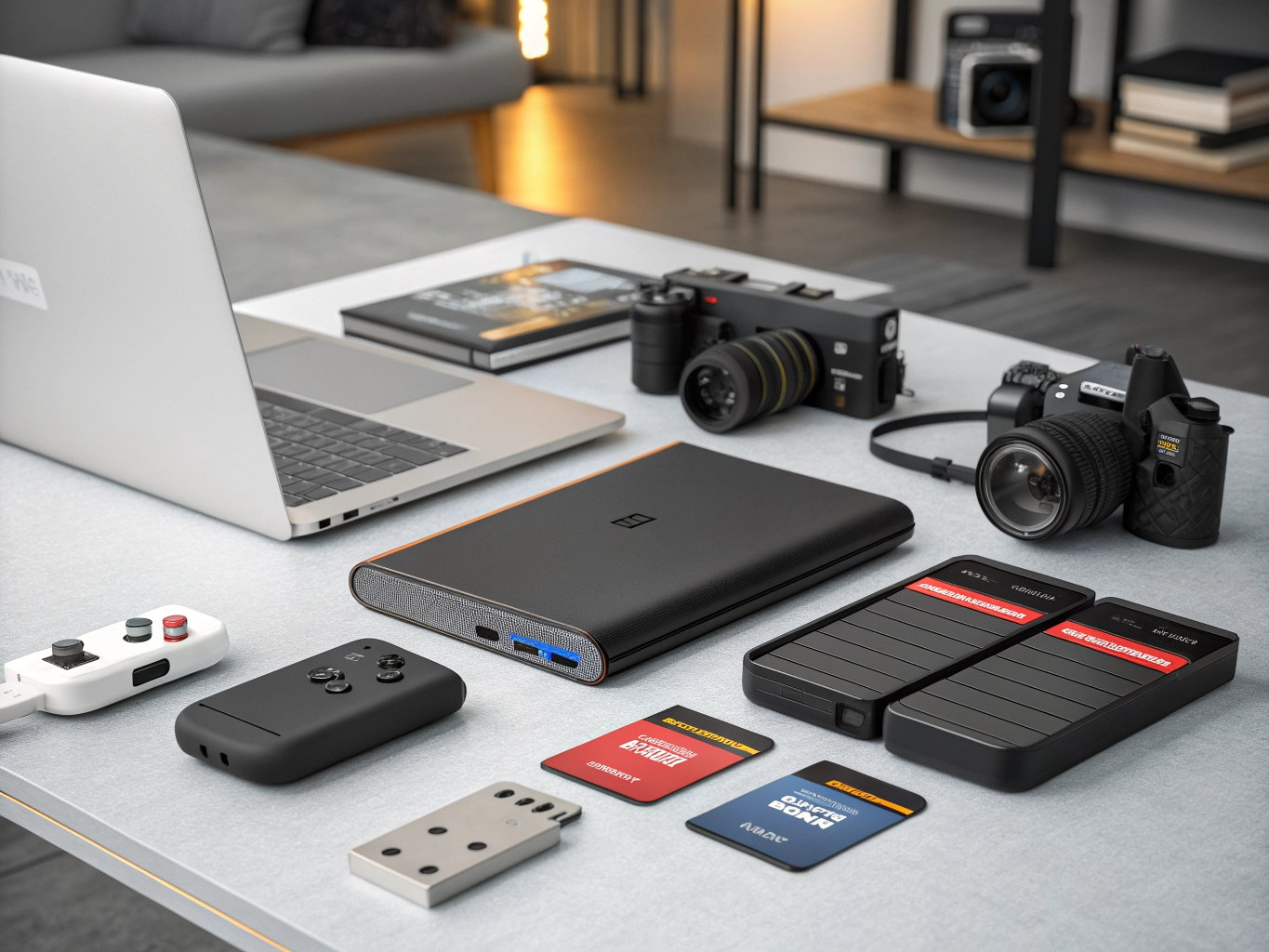
In the digital age, storage devices have become an essential part of our daily lives. From smartphones and laptops to desktop computers, gaming consoles, cameras, and smart devices, we generate and store a huge amount of digital data every day.
Photos, 4K videos, documents, music, software, games, business files, and personal backups all require reliable storage. Choosing the right storage device can help you keep your important files safe while also improving the performance and convenience of your devices.
There are many types of storage products available today, including SSDs, HDDs, portable hard drives, external SSDs, USB flash drives, memory cards, NAS storage, and internal storage drives. Each type has different advantages depending on speed, capacity, portability, durability, compatibility, and price.
If you are planning to buy a storage device online, this guide will help you understand the different options and choose a product according to your requirements.
What Is a Storage Device?
A storage device is a hardware product used to save digital information. Storage devices can permanently store data even after a computer or other device is switched off.
Storage devices are commonly used for:
- Storing photographs and videos
- Saving important documents
- Backing up computers
- Expanding laptop storage
- Installing operating systems
- Storing games
- Transferring files
- Recording camera footage
- Creating business backups
- Archiving large media collections
Storage capacity is usually measured in GB (gigabytes) and TB (terabytes).
For example:
- 128GB – Suitable for light storage and basic file transfers
- 256GB – Suitable for everyday use
- 512GB – Good for laptops and general users
- 1TB – Suitable for larger file collections and gaming
- 2TB – Useful for extensive media and backup storage
- 4TB or more – Ideal for large video libraries, businesses, and archives
Why Choosing the Right Storage Device Matters
Not every storage device is designed for the same purpose.
A photographer may need a high-speed memory card, while a student may simply need an affordable USB flash drive. A gamer may prefer a fast SSD, whereas someone looking for inexpensive large-capacity backup storage may prefer an HDD.
The right storage device can offer:
Faster Performance
SSDs can significantly reduce loading and file-transfer times compared with traditional mechanical hard drives.
More Storage Space
High-capacity HDDs and SSDs allow you to store large collections of videos, photos, documents, games, and other files.
Easy Portability
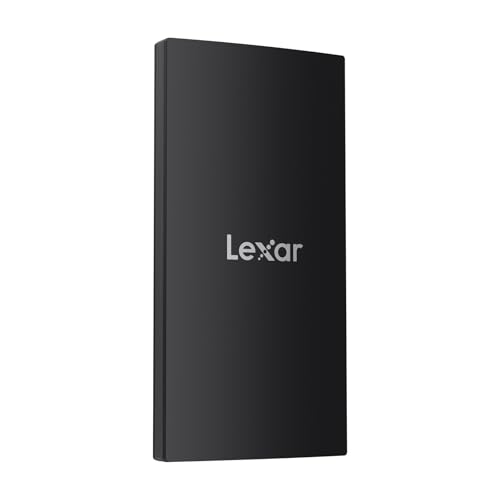
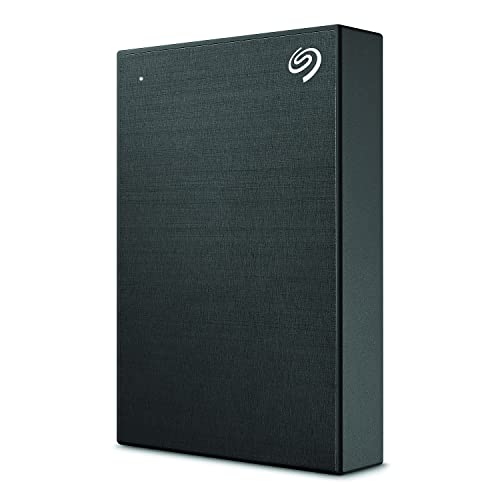
Portable SSDs, external HDDs, USB drives, and memory cards make it easy to carry files between devices.
Better Backup Options
External storage devices provide a convenient way to maintain copies of important files.
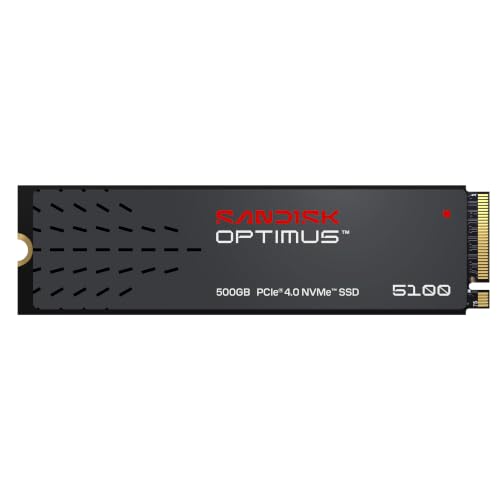
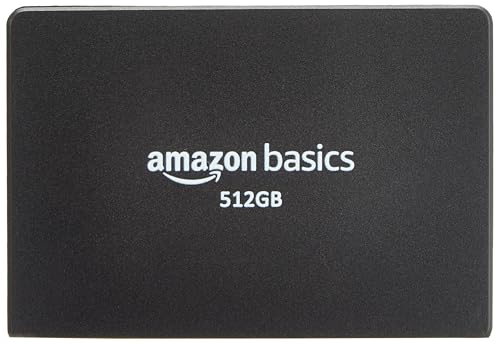
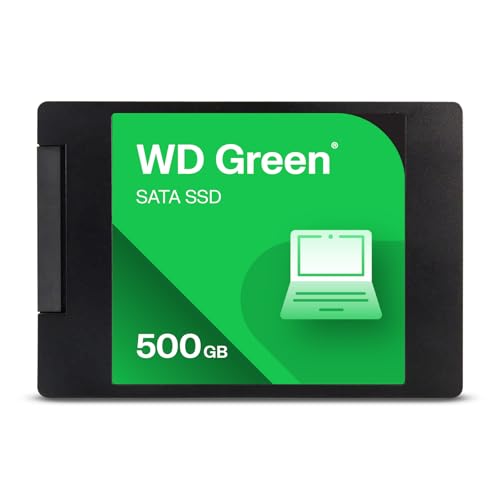
1 – Internal SSD


SSD vs HDD: Which One Should You Choose?
One of the most common questions when shopping for storage is whether to choose an SSD or HDD.
| Feature | SSD | HDD |
|---|---|---|
| Speed | Very fast | Generally slower |
| Moving Parts | No | Yes |
| Noise | Silent | Can produce mechanical noise |
| Durability | Generally better against physical shock | More sensitive to physical impact |
| Portability | Excellent | Good |
| Large Capacity | Available | Widely available |
| Price per GB | Usually higher | Usually lower |
| Best For | Performance, gaming, laptops | Large backups and archives |
If speed and responsiveness are your priority, an SSD can be a strong option. If you need a lot of storage at a lower cost per GB, an HDD may be attractive.
2 – External SSD



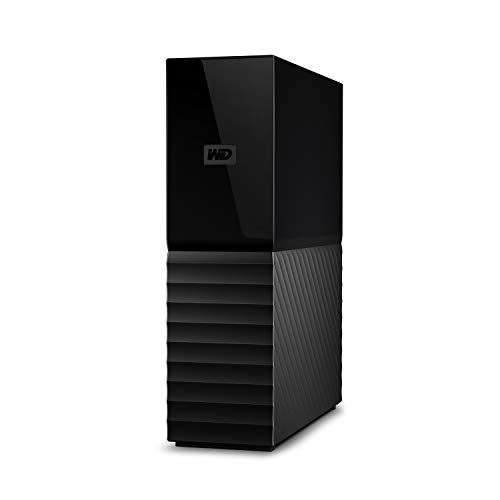
3 – External Hard Drive
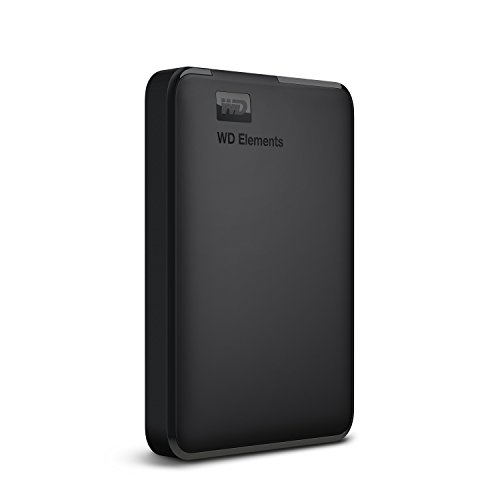


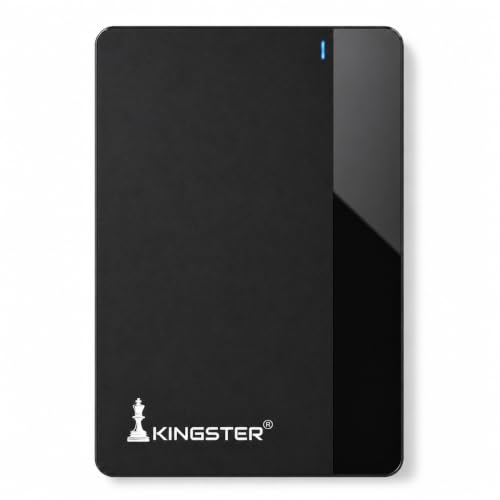
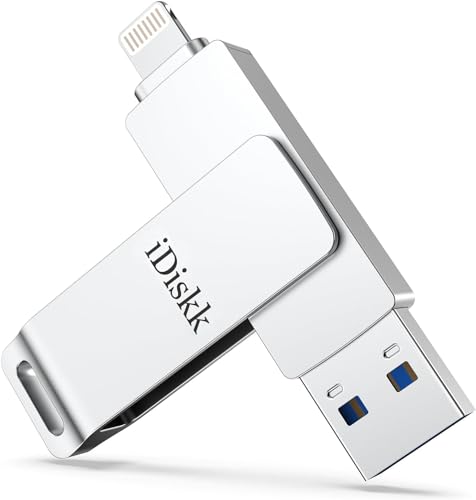
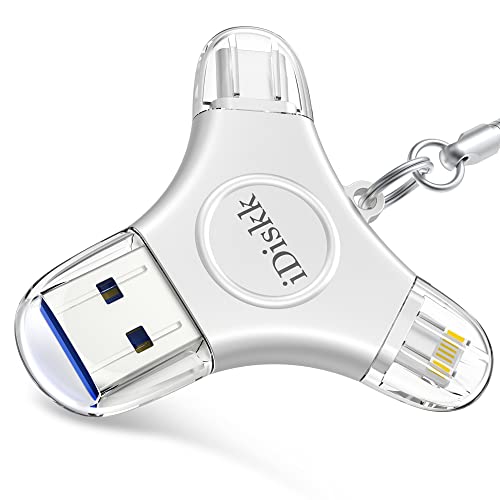
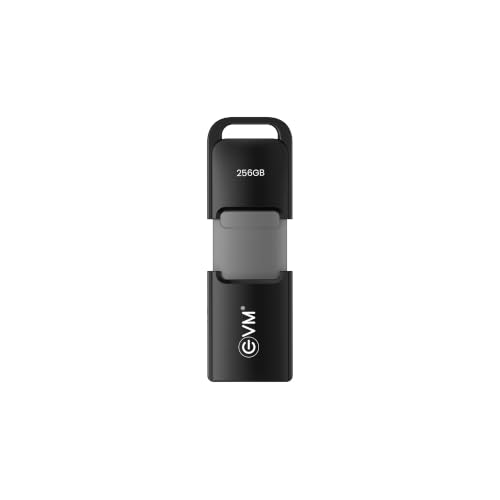
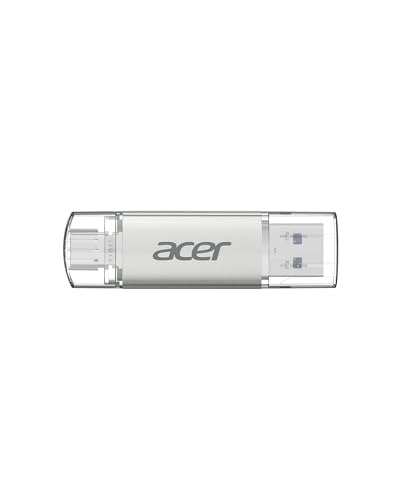
4 – USB Flash Drive


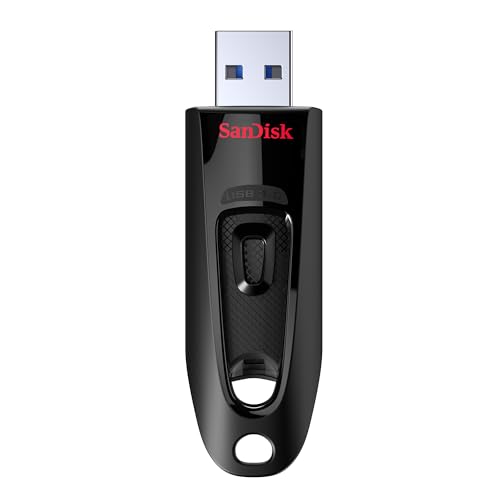
5 – High-Capacity HDD
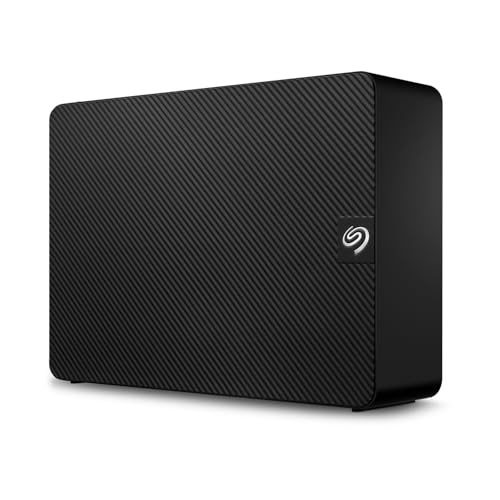
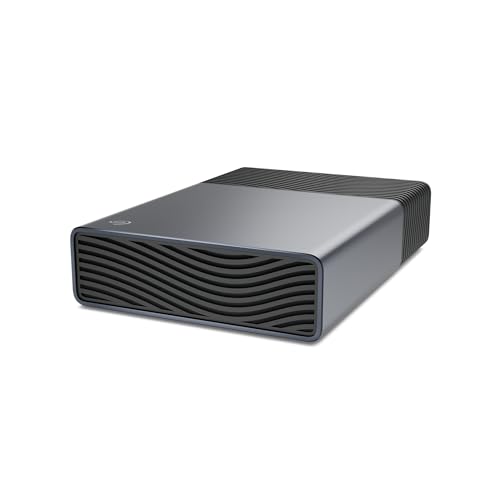
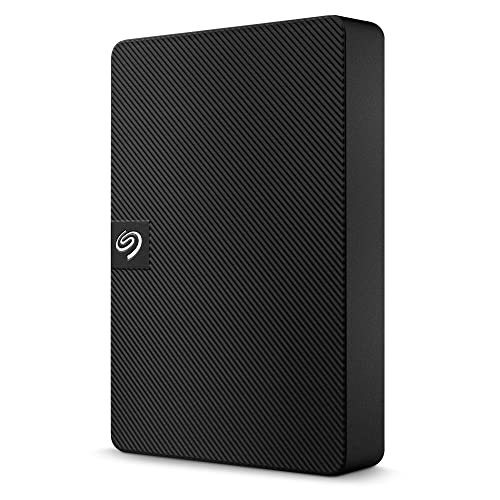
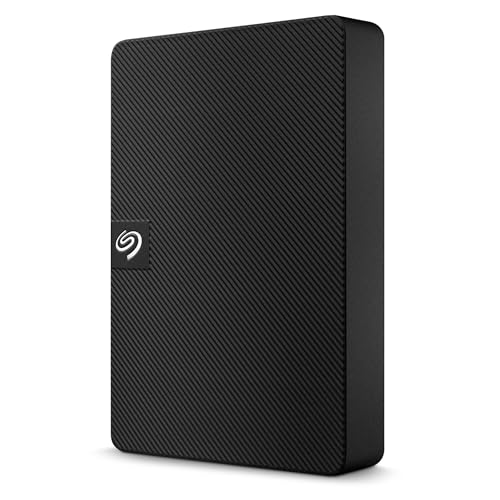
6 – MicroSD / SD Memory Card
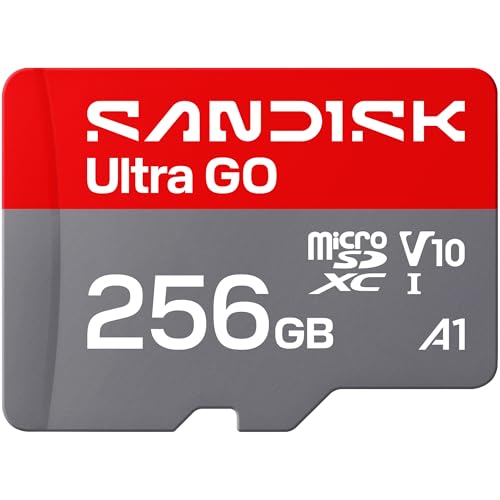
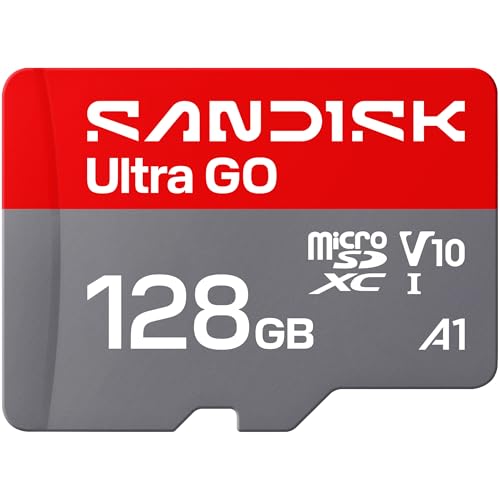
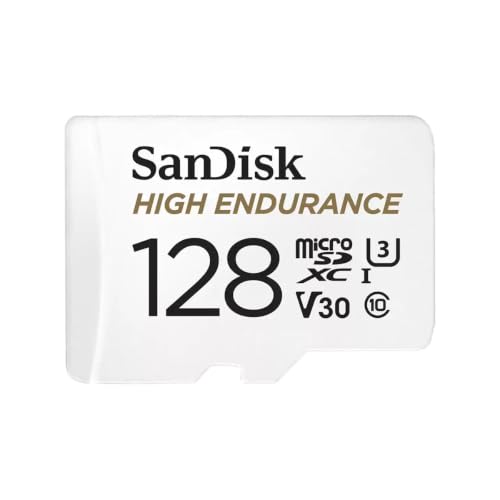


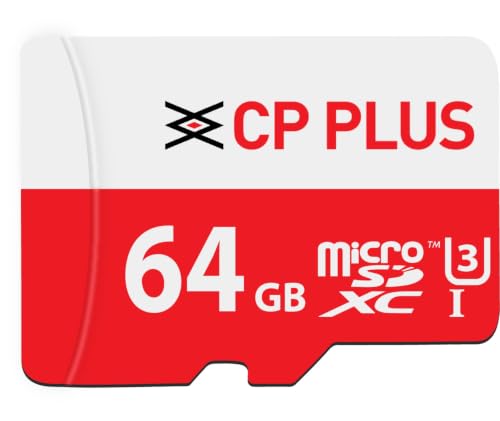
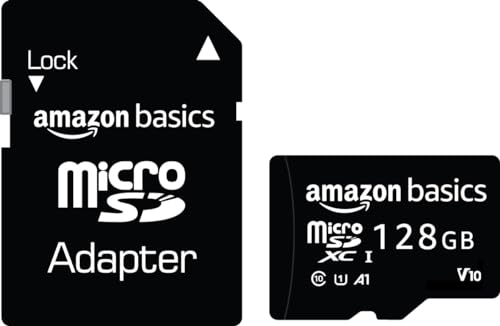
Understanding Memory Card Speed Classes
For photography and video recording, storage capacity isn’t the only important specification.
You should also consider the card’s speed rating.
Faster memory cards can be useful for:
- High-resolution photography
- Burst photography
- 4K video recording
- High-bitrate video
- Professional cameras
- Action cameras
- Drones
Always check your camera or device manufacturer’s recommended memory-card specifications before buying.
7 – NVMe SSD


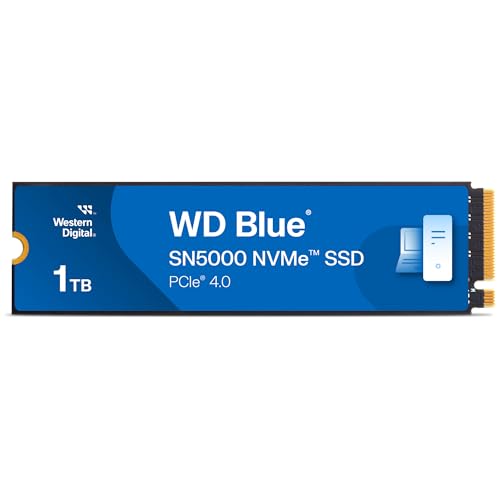

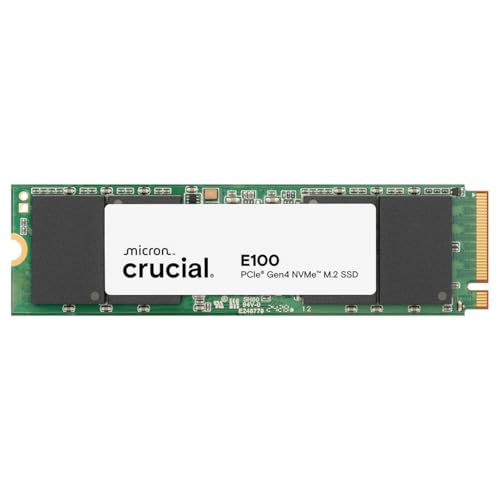

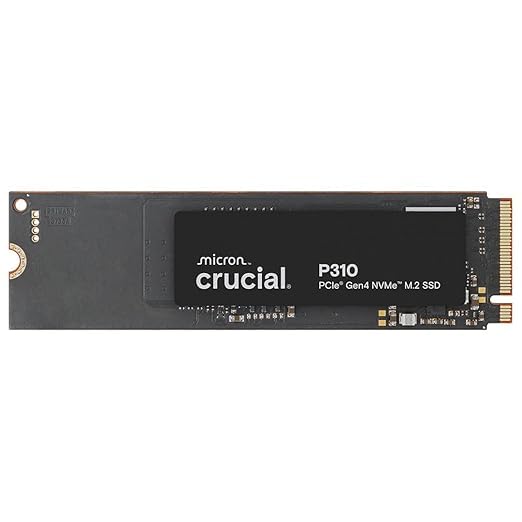
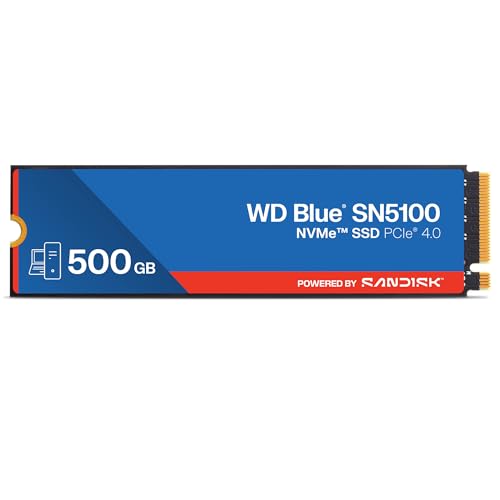
8 – Portable Storage Device
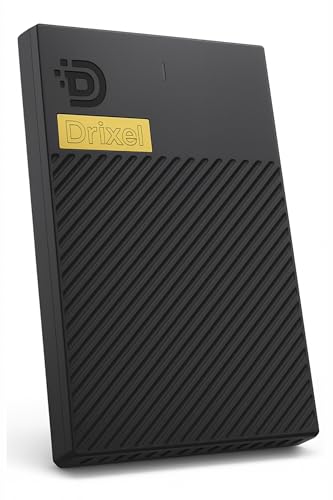


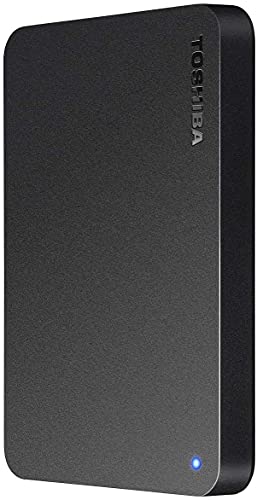
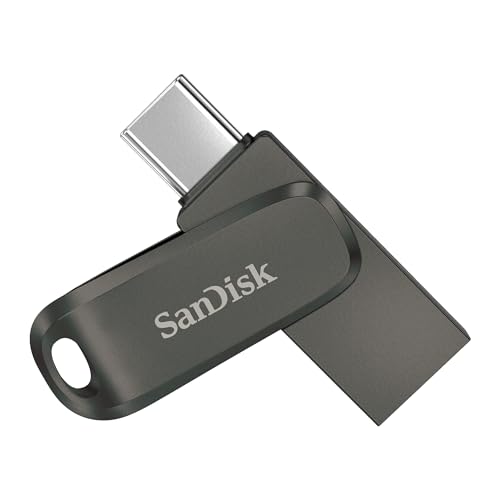
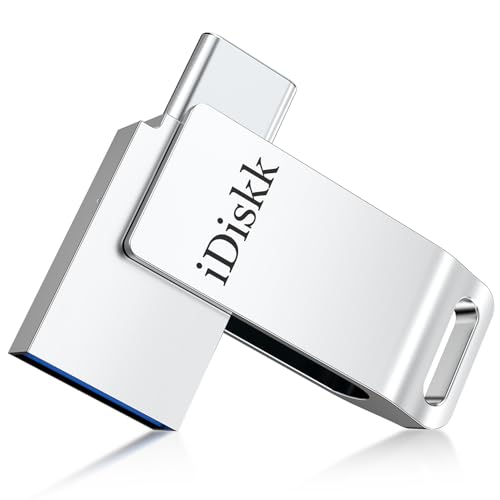
9 – USB-C Storage Drive


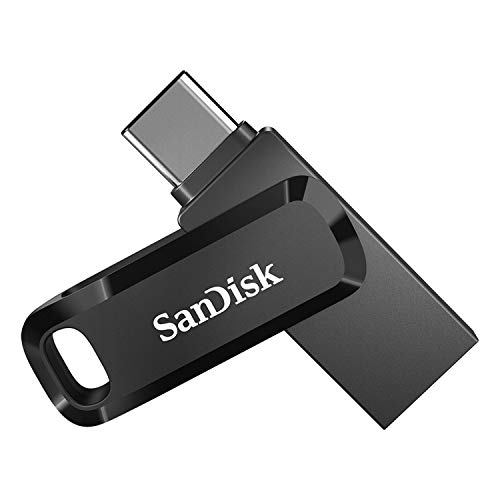

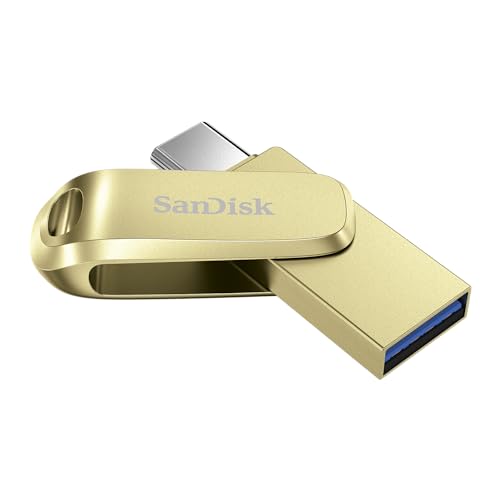
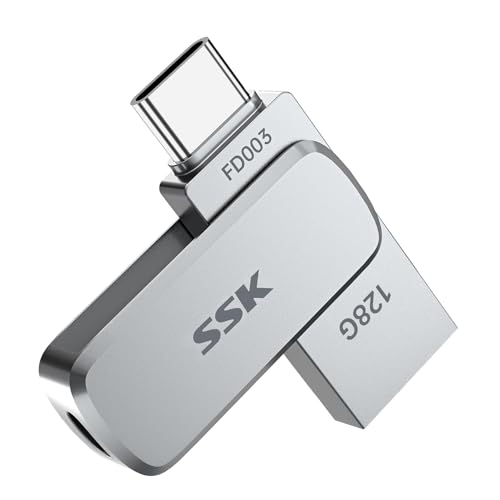
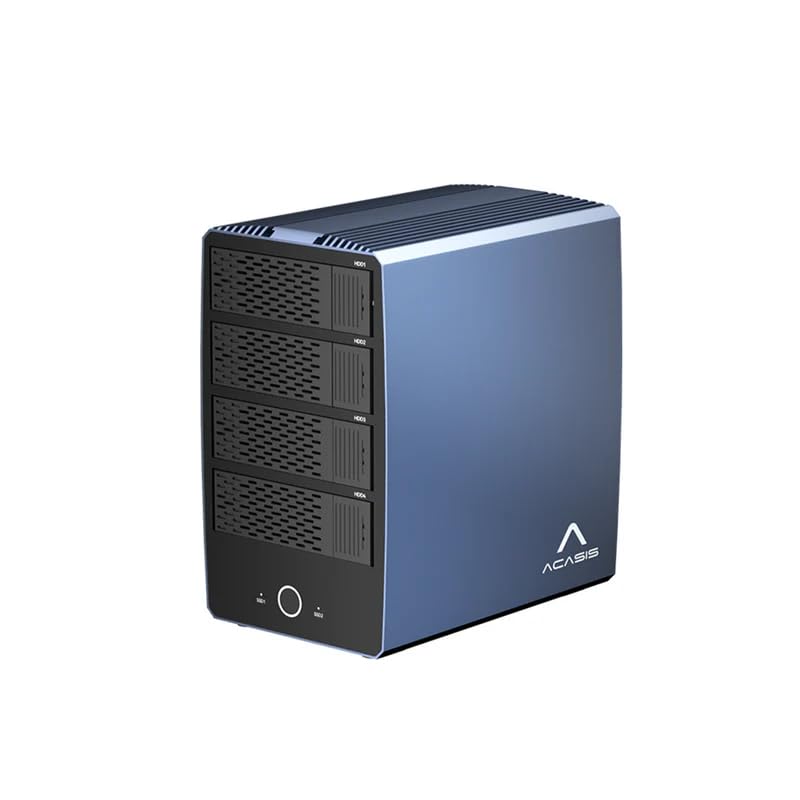
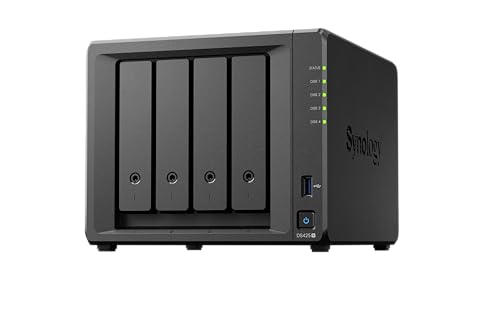
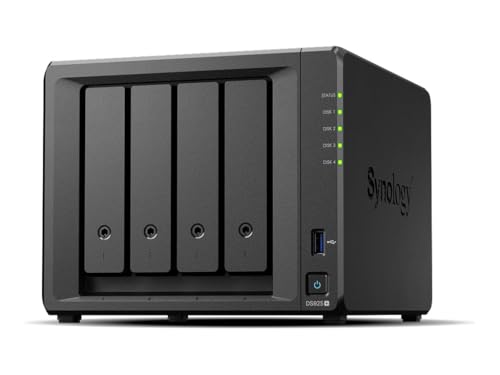
10 – NAS Storage






How to Choose the Best Storage Device
Before purchasing a storage device, consider the following factors.
1. Storage Capacity
Think about how much data you need to store.
For basic documents and everyday files, a smaller drive may be sufficient. For videos, games, photography, and backups, consider higher capacities.
2. Storage Speed
If you frequently work with large files, speed becomes more important.
SSDs are generally preferred for:
- Operating systems
- Gaming
- Video editing
- Software development
- Large file transfers
- Professional applications
HDDs can be useful for:
- Archives
- Backups
- Large media libraries
- General bulk storage
3. Compatibility
Always check compatibility before purchasing.
Consider:
- Operating system support
- USB version
- USB-C or USB-A connector
- SATA or NVMe interface
- PCIe generation
- M.2 size
- Memory-card compatibility
- Device storage limitations
4. Portability
If you travel frequently, a compact external SSD or USB flash drive can be convenient.
For stationary desktop storage, larger external HDDs or internal drives may be more practical.
5. Durability
If you carry your storage device frequently, look for a product designed for portability and physical protection.
Some portable storage products include features such as:
- Shock resistance
- Dust resistance
- Water resistance
- Protective casing
- Compact construction
Best Storage Devices for Different Users
Different users have different storage requirements.
Best Storage for Students
Students may benefit from:
- USB flash drives
- Portable SSDs
- External HDDs
- Affordable internal SSDs
These can be useful for assignments, presentations, PDFs, photographs, and educational files.
Best Storage for Gamers
Gamers often prioritize:
- Fast SSDs
- NVMe SSDs
- High-capacity SSDs
- External SSDs
Fast storage can help reduce game loading times and provide a more responsive experience.
Best Storage for Photographers
Photographers may need:
- Fast SD cards
- MicroSD cards
- Portable SSDs
- External HDDs
- Backup drives
Maintaining multiple copies of important photographs is especially useful.
Best Storage for Video Editors
Video editors often work with very large files and may benefit from:
- High-speed NVMe SSDs
- Large external SSDs
- High-capacity HDDs
- NAS systems
A combination of fast working storage and large backup storage can be useful for large video projects.
Best Storage for Office Users
Office users may need storage for:
- Documents
- Spreadsheets
- Presentations
- PDFs
- Business files
- Backups
A combination of internal SSD storage and external backup storage can provide a practical setup.
SSD vs External SSD
An internal SSD is installed inside a computer, while an external SSD connects through a cable.
Internal SSD
Best suited for:
- Operating systems
- Applications
- Games
- Primary computer storage
- Performance upgrades
External SSD
Best suited for:
- Portable storage
- Backups
- Large file transfers
- Working across multiple computers
- Expanding laptop storage
HDD vs External HDD
An internal HDD is installed inside a compatible computer, while an external HDD is housed in a portable enclosure.
Both use mechanical storage technology, but an external HDD provides easier portability.
For large-capacity storage at a relatively lower cost per GB, HDDs remain useful.
Storage Device Connectivity
Connectivity can affect both compatibility and performance.
Common interfaces include:
USB-A
A widely used connector found on many computers and accessories.
USB-C
A reversible connector increasingly found on modern laptops, phones, tablets, and other devices.
SATA
Commonly used for internal 2.5-inch and 3.5-inch drives.
NVMe / PCIe
Commonly used for high-performance SSD storage.
Before buying, make sure the connector and interface match your device.
How Much Storage Do You Need?
The ideal capacity depends on your usage.
| User Type | Suggested Storage Range |
|---|---|
| Basic document user | 128GB–256GB |
| Student | 256GB–512GB |
| Office user | 512GB–1TB |
| Gamer | 1TB–2TB+ |
| Photographer | 1TB–4TB+ |
| Video creator | 2TB–8TB+ |
| Home backup | 2TB–10TB+ |
| Small business/NAS | 4TB+ depending on requirements |
These are general guidelines rather than strict requirements.
Why External Backup Storage Is Important
Important files should not exist in only one location.
For example, if your laptop fails and all your photographs are stored only on that laptop, recovering them may be difficult.
A simple backup strategy can involve:
Primary Device → External Backup → Additional Backup/Cloud
Important files can include:
- Personal photographs
- Videos
- Documents
- Financial records
- Business files
- Project files
- Work documents
- Important certificates
For valuable data, having multiple copies can reduce the risk of permanent data loss.
Storage Devices for Smartphones
Modern smartphones can generate large amounts of data through photographs, videos, applications, and downloads.
Depending on device compatibility, users may consider:
- MicroSD cards
- USB-C flash drives
- External SSDs
- Cloud storage
Always verify whether your smartphone supports external storage before purchasing an accessory.
Storage Devices for Cameras
Photographers and videographers should pay particular attention to:
- Card capacity
- Write speed
- Read speed
- Speed class
- Camera compatibility
- Video recording requirements
- Reliability
A memory card that does not meet a camera’s recording requirements may cause performance problems or recording limitations.
Storage Devices for Gaming
Games can occupy a significant amount of storage space.
For gaming PCs and consoles, consider:
- SSD capacity
- NVMe performance
- Console compatibility
- Expansion support
- Game loading requirements
- Available ports
If your gaming device supports an SSD upgrade, increasing storage can be a convenient way to accommodate a larger game library.
Storage Devices for Content Creators
Content creators often work with large media files.
A practical setup may include:
Fast SSD → Active Projects
Large HDD → Archive
Additional Drive/Cloud → Backup
This approach allows frequently used projects to remain on faster storage while older files can be moved to larger-capacity storage.
How to Maintain Your Storage Devices
Proper storage management can help keep your data organized.
Keep Important Files Backed Up
Do not rely on one storage device for irreplaceable files.
Safely Eject External Drives
Use the operating system’s safe-eject function when appropriate before disconnecting external storage.
Avoid Physical Damage
Protect portable drives from drops, excessive heat, moisture, and other environmental hazards.
Keep Storage Organized
Create folders and use meaningful file names.
Monitor Available Space
Avoid allowing your primary storage drive to become completely full.
Check Drive Health
Some storage products and operating systems provide tools for monitoring drive health and performance.
Common Storage Buying Mistakes to Avoid
Buying Only Based on Capacity
A larger drive is not always the best choice if it does not meet your speed or compatibility requirements.
Ignoring Compatibility
Always check whether your computer, smartphone, camera, or gaming device supports the storage product.
Choosing the Cheapest Memory Card
For cameras and video recording, speed and compatibility can be just as important as capacity.
Forgetting About Backups
An external drive should not automatically be considered a complete backup strategy. Important data may benefit from more than one backup copy.
Ignoring Connector Type
Check whether you need USB-A, USB-C, SATA, NVMe, or another interface.
Storage Device Buying Checklist
Before placing an online order, check:
- Storage capacity
- Storage type
- Read speed
- Write speed
- Interface
- Connector
- Compatibility
- Physical size
- Portability
- Durability
- Warranty
- Brand reputation
- User reviews
- Price
- Backup requirements
Storage Devices: Frequently Asked Questions
Which storage device is fastest?
Modern NVMe SSDs are generally among the fastest consumer storage options, although actual performance depends on the drive, interface, computer, workload, and other components.
Is SSD better than HDD?
SSD and HDD technology serve different purposes. SSDs generally offer faster performance, while HDDs can provide high capacities at a lower cost per GB.
Is an external SSD worth buying?
An external SSD can be useful if you need fast portable storage, frequent large file transfers, or additional storage for a laptop.
What is the best storage device for backup?
External HDDs, external SSDs, and NAS systems can all be used for backups. The best option depends on capacity, speed, portability, budget, and backup requirements.
How much storage is enough for a laptop?
For many everyday users, 512GB to 1TB can provide a practical starting point, but the ideal capacity depends on applications, games, photographs, videos, and other files.
Are USB flash drives reliable?
USB flash drives can be convenient for transferring and storing files, but important data should not be kept exclusively on a single flash drive.
What is NVMe?
NVMe is a storage protocol designed for high-speed communication with compatible flash storage through PCIe interfaces.
Can I use an external SSD with a laptop?
Yes, provided the laptop has a compatible port and the storage device supports the operating system and connection standard.
What storage is best for video editing?
Video editors often benefit from fast SSD or NVMe storage for active projects, combined with larger storage for archives and backups.
Should I buy a 1TB or 2TB SSD?
Choose based on your current storage requirements, future needs, budget, and the amount of applications, games, photographs, and videos you expect to keep.
Final Thoughts
Choosing the right storage device depends on how you use your technology. SSDs and NVMe drives are excellent choices when performance is important, while HDDs can provide economical high-capacity storage. USB flash drives are convenient for everyday file transfers, memory cards are essential for compatible cameras and mobile devices, and NAS systems can provide centralized storage for homes and businesses.
Before purchasing, consider capacity, speed, compatibility, connectivity, portability, durability, warranty, and price rather than choosing a product based on storage capacity alone.
If you are shopping online, compare specifications and reviews carefully and look for storage products that match your actual requirements.
Affiliate Disclosure
This article may contain affiliate links. If you purchase a product through an affiliate link on this website, we may earn a commission at no additional cost to you. Product availability, specifications, prices, discounts, and offers may change over time. Always verify the latest product information before purchasing.