
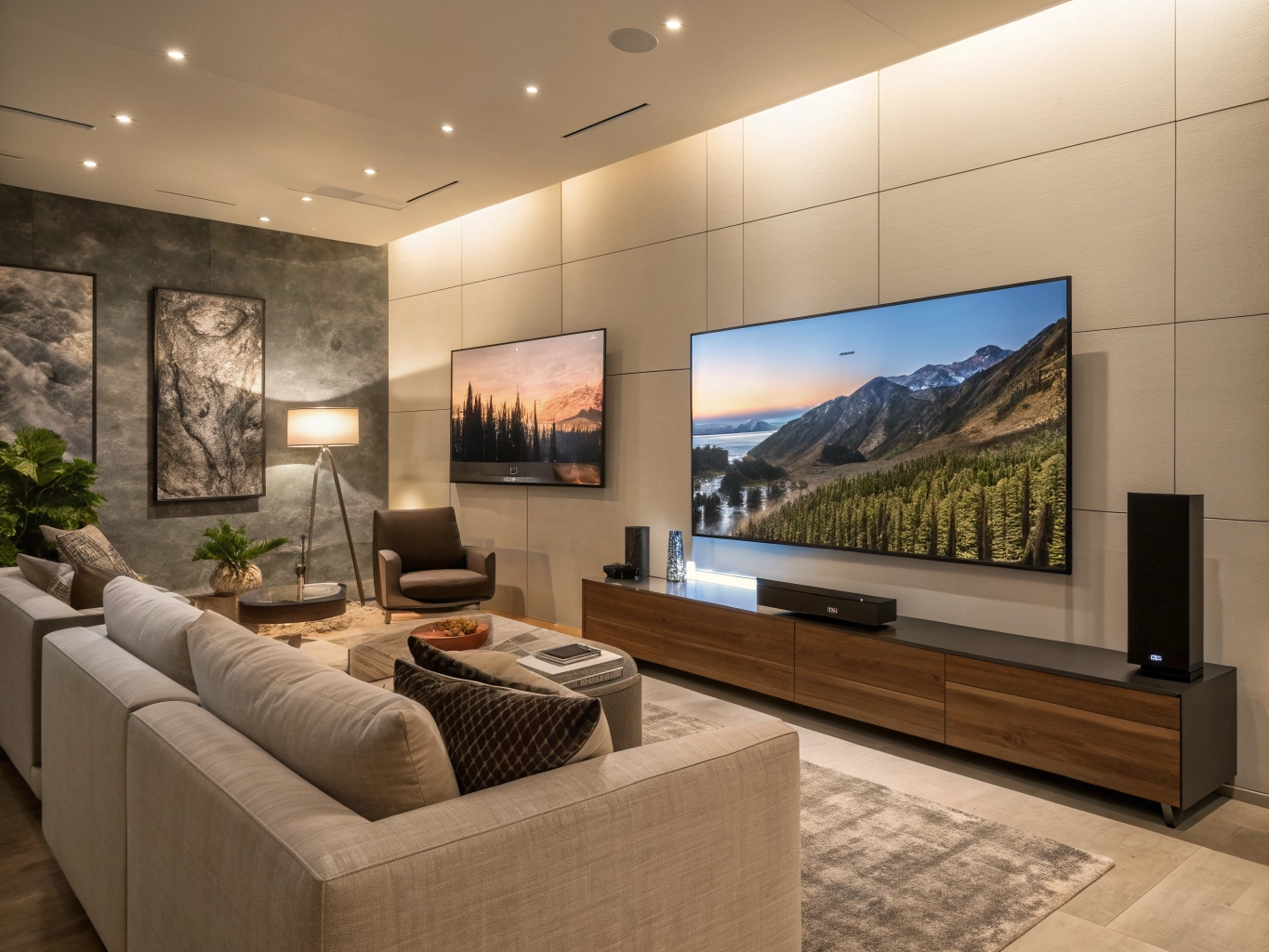
Choosing the right television for your home can be confusing with so many options available today. From affordable smart TVs to premium 4K and large-screen models, television technology has changed significantly. Modern TVs offer smart features, high-resolution displays, powerful speakers, streaming apps, gaming features, and stylish designs that can complement almost any living room.
If you are planning to buy a new television, it is important to consider more than just screen size and price. Display quality, resolution, operating system, refresh rate, connectivity, sound quality, HDR support, warranty, and smart features can all affect your viewing experience.
Why Buy a New Television?
A modern television is more than a device for watching traditional TV channels. Today’s Smart TVs can connect to the internet and provide access to popular streaming platforms, music services, gaming applications, web browsers, and other entertainment features.
Upgrading your television can provide:
- Better picture quality
- Larger screen sizes
- 4K and higher-resolution displays
- Improved brightness and contrast
- Better sound quality
- Built-in streaming applications
- Wi-Fi and Bluetooth connectivity
- Gaming-friendly features
- Voice control on compatible models
- Slim and modern designs
Whether you want a TV for movies, sports, gaming, family entertainment, or everyday viewing, there are plenty of options available for different budgets.
Things to Consider Before Buying a Television
1. Choose the Right TV Screen Size
Screen size is one of the first things to consider when buying a television.
A small TV can work well in a bedroom, kitchen, or compact room, while a larger screen may be more suitable for a living room or home theatre setup.
Common TV sizes include:
- 32-inch TVs
- 40-inch TVs
- 43-inch TVs
- 50-inch TVs
- 55-inch TVs
- 65-inch TVs
- 75-inch TVs
- 85-inch TVs and larger
Don’t automatically assume that a bigger screen is always better. The ideal size depends on your room dimensions, viewing distance, and personal preference.
2. Consider the Display Resolution
Resolution determines the number of pixels used to create the image.
HD and Full HD TVs
These televisions are generally suitable for basic viewing and smaller screen sizes. They can be a practical choice for bedrooms or secondary rooms.
4K Ultra HD TVs
4K TVs provide significantly more pixels than Full HD displays. They are now popular for movies, streaming, sports, and gaming.
A 4K television can be particularly useful when buying a larger screen because the additional resolution can provide sharper details.
8K TVs
8K televisions offer an even higher resolution, although the amount of native 8K content available is still limited compared with 4K content.
For many buyers, 4K remains a practical choice for a modern home entertainment setup.
3. LED, QLED, Mini-LED or OLED?
Televisions use different display technologies, and each has its own characteristics.
LED TVs
LED TVs are widely available and generally offer a good balance between price, picture quality, and energy efficiency.
They are available in many screen sizes and are often suitable for everyday family entertainment.
QLED TVs
QLED technology uses quantum-dot technology to enhance color and brightness.
These TVs can be a good choice for people who want vibrant colors and a bright picture.
Mini-LED TVs
Mini-LED televisions use a large number of smaller backlight LEDs to provide more precise control over brightness.
They can offer improved contrast and HDR performance compared with conventional LED-backlit TVs.
OLED TVs
OLED displays use self-emissive pixels, allowing individual pixels to turn off completely.
This can produce deep blacks and excellent contrast, making OLED televisions particularly attractive for movie enthusiasts and premium home theatres.
4. Smart TV Features
Most modern televisions are Smart TVs.
A Smart TV can connect to the internet and provide access to streaming services and applications without requiring a separate streaming device.
Depending on the model, Smart TV features may include:
- Wi-Fi
- Bluetooth
- Voice control
- App stores
- Streaming applications
- Screen mirroring
- Smartphone connectivity
- Web browsing
- Smart home integration
Before purchasing, check which operating system and applications are supported by the particular TV model.
5. Refresh Rate
Refresh rate refers to how frequently the television refreshes the image.
You may see specifications such as:
- 50Hz
- 60Hz
- 100Hz
- 120Hz
- Higher refresh-rate technologies
A higher native refresh rate can be useful for fast-moving content such as sports and gaming.
Gamers should also check whether the TV supports features such as HDMI 2.1, variable refresh rate (VRR), and low-latency gaming modes where applicable.
6. HDR Support
HDR, or High Dynamic Range, can improve the range between darker and brighter areas of an image.
Depending on the television, you may encounter formats such as:
- HDR10
- HDR10+
- Dolby Vision
- HLG
HDR can make compatible movies and shows look more detailed and dynamic, although the actual experience also depends on the TV’s brightness, contrast, panel technology, and content source.
7. Sound Quality
Picture quality is important, but sound quality should not be ignored.
Many modern TVs have slim designs, which can limit the space available for built-in speakers.
When shopping for a television, check:
- Speaker power
- Supported audio formats
- Dolby Atmos support
- Bluetooth audio support
- HDMI ARC/eARC
- Optical audio output
If you want a cinema-style experience, you can pair your TV with a compatible soundbar or home theatre system.
8. HDMI and Connectivity
Connectivity is especially important if you plan to connect gaming consoles, streaming devices, soundbars, Blu-ray players, or computers.
Look for:
- HDMI ports
- USB ports
- Wi-Fi
- Bluetooth
- Ethernet
- Optical audio
- ARC/eARC
- Screen mirroring
If you own a modern gaming console, check the HDMI specifications carefully before buying.
9. Gaming Features
A television can also serve as a gaming display.
For gaming, consider features such as:
- Low input lag
- High refresh rate
- HDMI 2.1
- VRR
- ALLM
- Game Mode
- HDR support
- Good motion handling
If you mainly play casual games, you may not need every premium gaming feature. However, serious console and PC gamers may benefit from choosing a TV designed with gaming performance in mind.
10. Energy Efficiency
Televisions are usually used for several hours every day, so energy consumption is another factor worth considering.
Check the applicable energy-efficiency information and consider your expected daily usage.
Features such as automatic brightness adjustment, power-saving modes, and standby controls can also help reduce unnecessary electricity consumption.
10 Television Products to Consider
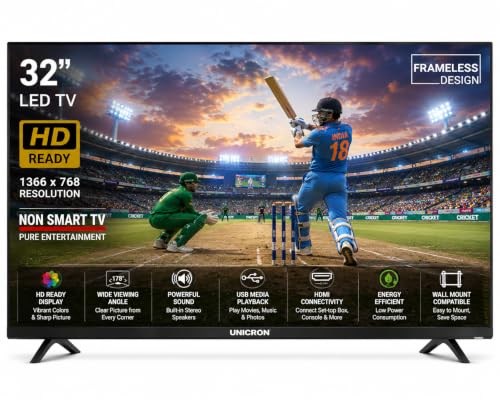
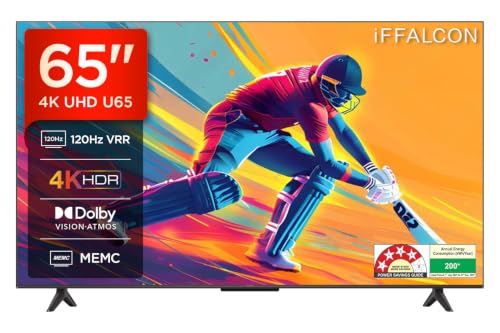
1. Best Budget Television
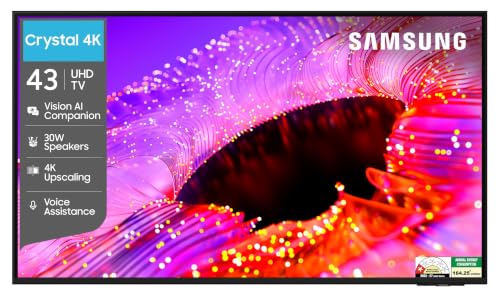
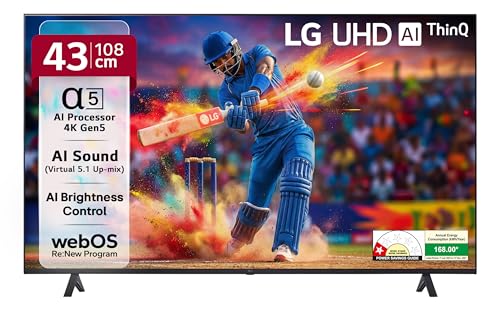
2. Best 43-Inch Smart TV
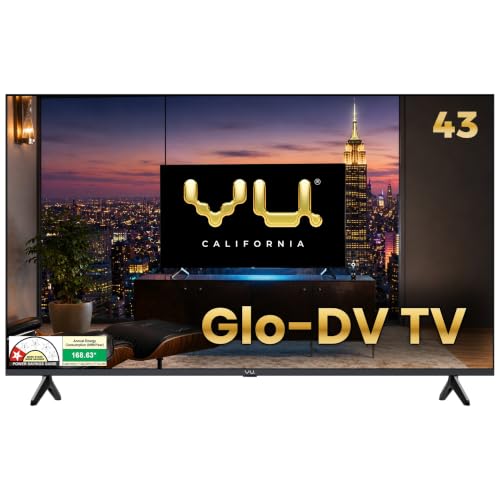
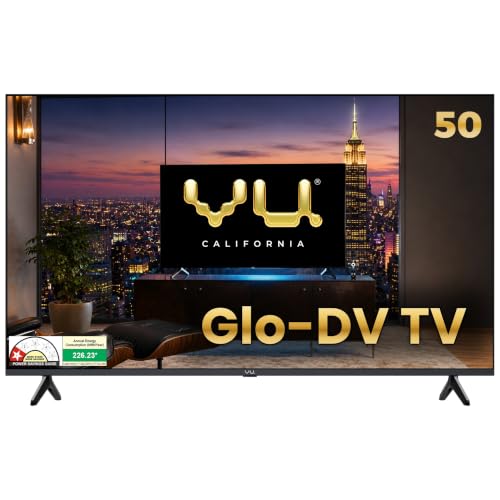
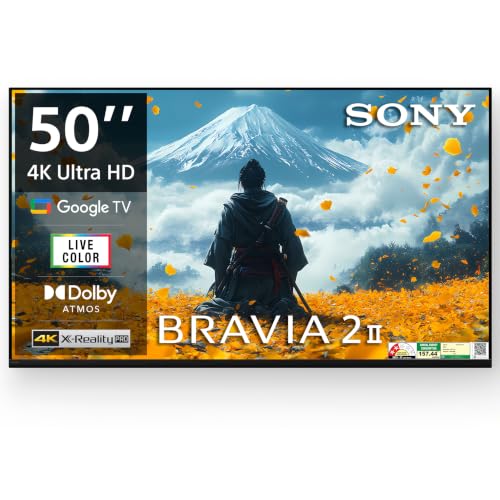
3: Best 50-Inch 4K TV
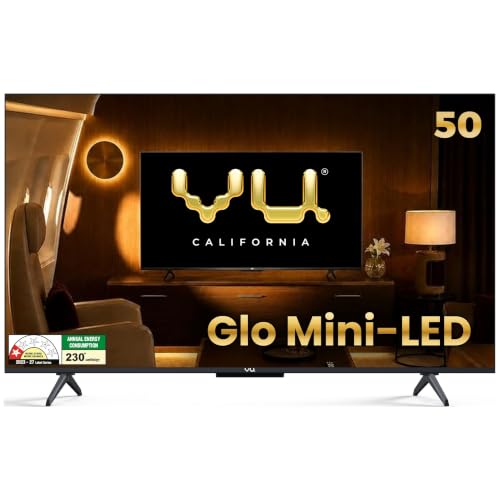
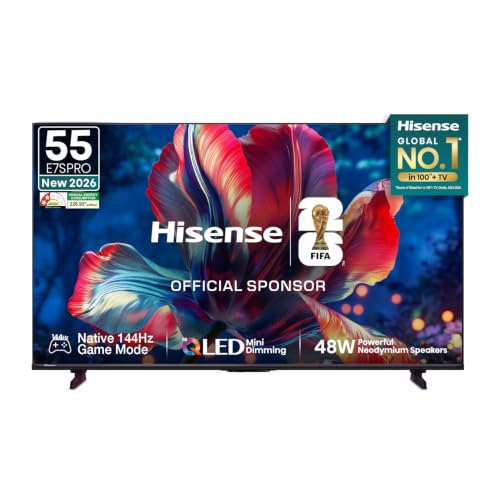
4: Best 55-Inch Smart TV

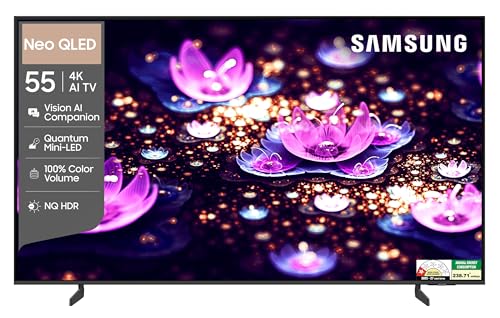
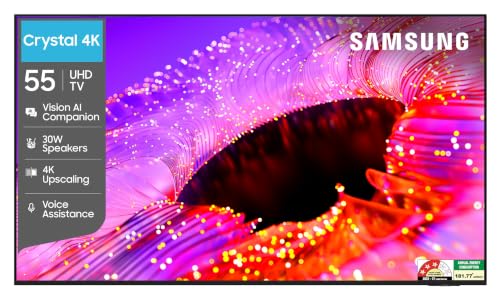
5: Best QLED Television
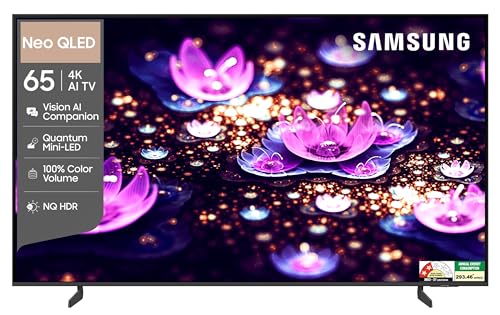
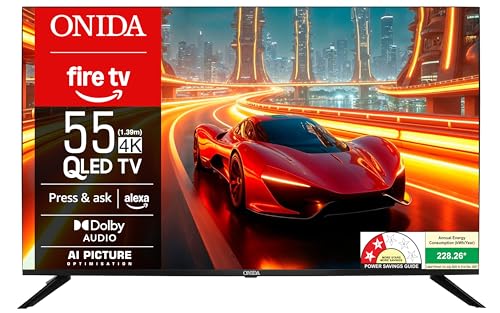
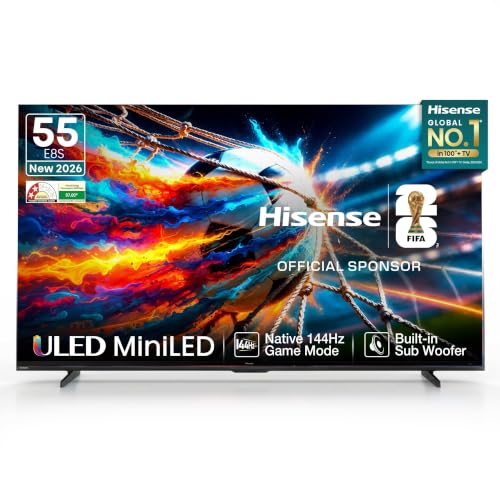
6: Best OLED Television

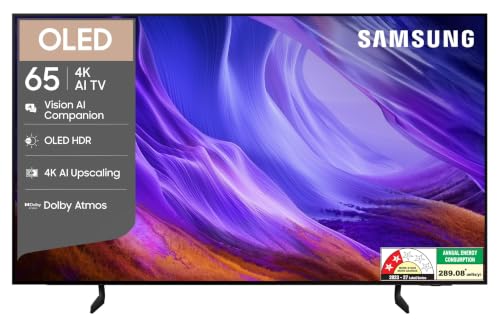
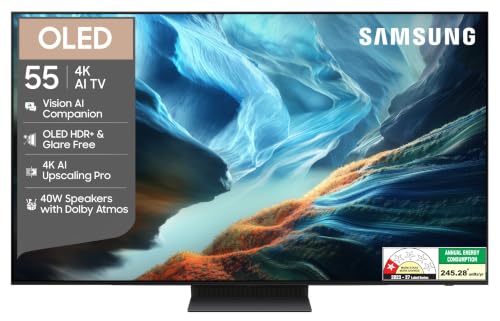
7: Best Large-Screen TV
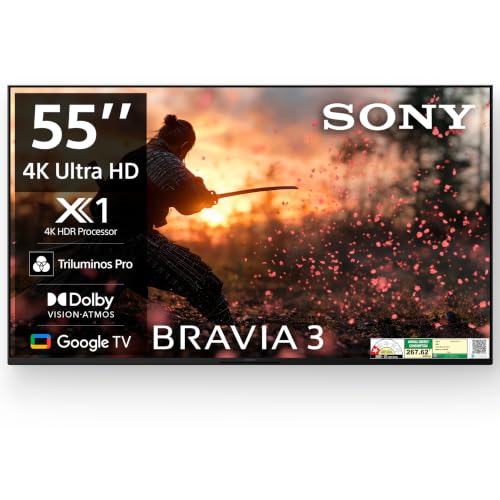
8: Best TV for Gaming
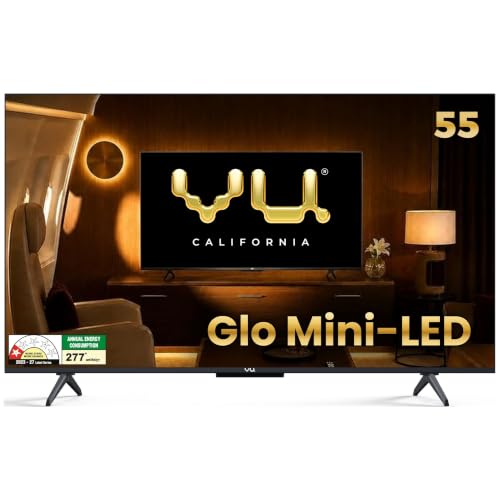
9: Best Premium Television
10: Best Value-for-Money Television
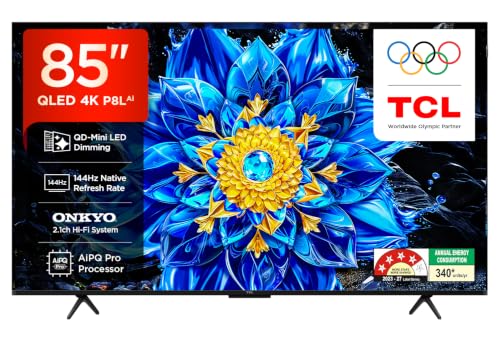
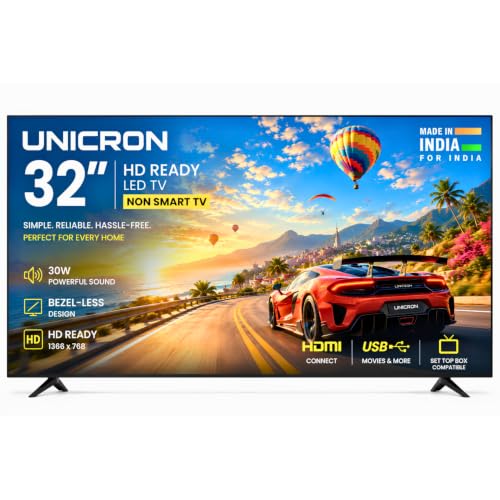
How to Choose the Right Television for Your Home
The best television for you depends on how you plan to use it.
For a Bedroom
A smaller 32-inch, 40-inch, or 43-inch Smart TV may be sufficient.
For a Living Room
A 50-inch, 55-inch, or 65-inch television can provide a more immersive viewing experience depending on room size and viewing distance.
For Movies
Look for 4K resolution, good HDR support, strong contrast, and good motion processing. OLED and advanced Mini-LED models can be worth considering in the premium segment.
For Sports
Pay attention to motion handling and refresh rate. A television with good motion processing can make fast-moving sports easier to follow.
For Gaming
Look for low input lag, suitable refresh rates, VRR, ALLM, and HDMI 2.1 if those features are important for your console or PC.
For Everyday Family Use
A reliable 4K Smart TV with a simple interface, good connectivity, and adequate sound can be a practical choice.
Smart TV vs Traditional TV
Traditional televisions primarily provide access to television broadcasts through connected sources.
Smart TVs add internet-connected functionality and applications.
With a Smart TV, you can typically:
- Stream movies
- Watch online videos
- Listen to music
- Use compatible applications
- Connect smartphones
- Browse supported content
- Use voice-control features on compatible models
For most buyers today, a Smart TV can provide greater flexibility than a traditional non-smart television.
4K TV vs Full HD TV
If you are buying a larger television, 4K is generally worth considering because it provides substantially more pixels than Full HD.
However, the benefit you see depends on:
- Screen size
- Viewing distance
- Content quality
- Streaming source
- Personal eyesight and preferences
For a modern living-room television, 4K is a common choice because many streaming services and devices support 4K content.
Is a Bigger TV Always Better?
Not necessarily.
A very large TV may not be comfortable in a small room, while a small TV may feel underwhelming in a large living room.
Before buying, consider:
- Room size
- Viewing distance
- Wall or furniture space
- Seating arrangement
- Screen resolution
- Your budget
Choosing the right combination of screen size and viewing distance can make a bigger difference than simply buying the largest television available.
Tips for Getting the Best TV Deal
If you are shopping for a new television, compare multiple models before making a purchase.
Look for:
- Seasonal discounts
- Festival sales
- Bank offers
- Exchange offers
- No-cost EMI options where applicable
- Extended warranty offers
- Bundle deals
- Price drops
- Cashback offers
Always compare the final price and specifications rather than relying only on the advertised discount percentage.
Frequently Asked Questions About Televisions
Which TV size is best for a living room?
There is no single ideal size for every living room. A 50-inch, 55-inch, or 65-inch TV can be suitable depending on the room size and viewing distance.
Is a 4K TV worth buying?
For many buyers, yes. 4K provides much higher resolution than Full HD and is particularly useful on larger screens and with compatible 4K content.
Which is better, OLED or QLED?
They use different display technologies and have different strengths. OLED is known for pixel-level control and deep blacks, while QLED models can provide strong brightness and vibrant colors. Compare the specific models rather than choosing solely by technology name.
Is 120Hz better than 60Hz?
A higher refresh rate can provide smoother motion and may be especially useful for sports and gaming. However, the usefulness depends on the content and the TV’s overall motion processing.
Do I need HDMI 2.1?
Not everyone needs HDMI 2.1. It can be particularly useful for certain modern gaming setups and compatible devices.
Should I buy a Smart TV?
For most people looking for internet-connected streaming and apps, a Smart TV can be convenient because many features are built into the television.
How long can a television last?
The lifespan varies depending on the display technology, usage, environment, maintenance, and individual model. Proper ventilation and careful handling can help protect the television.
Final Thoughts
Buying a television is an important home entertainment decision, especially because modern TVs are available in a wide range of sizes, technologies, and prices.
Before choosing a model, consider your screen size, resolution, display technology, Smart TV platform, HDR support, refresh rate, sound quality, gaming features, connectivity, energy consumption, warranty, and budget.
Whether you are looking for an affordable Smart TV, a large 4K television, a QLED model, an OLED TV, or a gaming-friendly display, comparing specifications and prices can help you find a model that matches your requirements.
Disclosure: This article may contain affiliate links. If you purchase a product through our links, we may earn a commission at no additional cost to you. Product prices, specifications, availability, and offers may change over time. Please verify the latest information on the retailer’s website before purchasing.